Free scenes
A little inspiration
$05 scenes each month
A rotating selection to try with your artwork.
- Unlimited downloads from five free scenes
- A fresh selection every month
- No account or card needed
Keep the images you download.
For artists & print sellers
Choose one artwork and see it in 277 hand-prepared mockup scenes: framed prints, posters and cards. Then download the finished images for your shop.
Five free scenes every month · No account needed · Paid scenes $1 each, or $10/month for all. See pricing
Start with this month’s free scenes
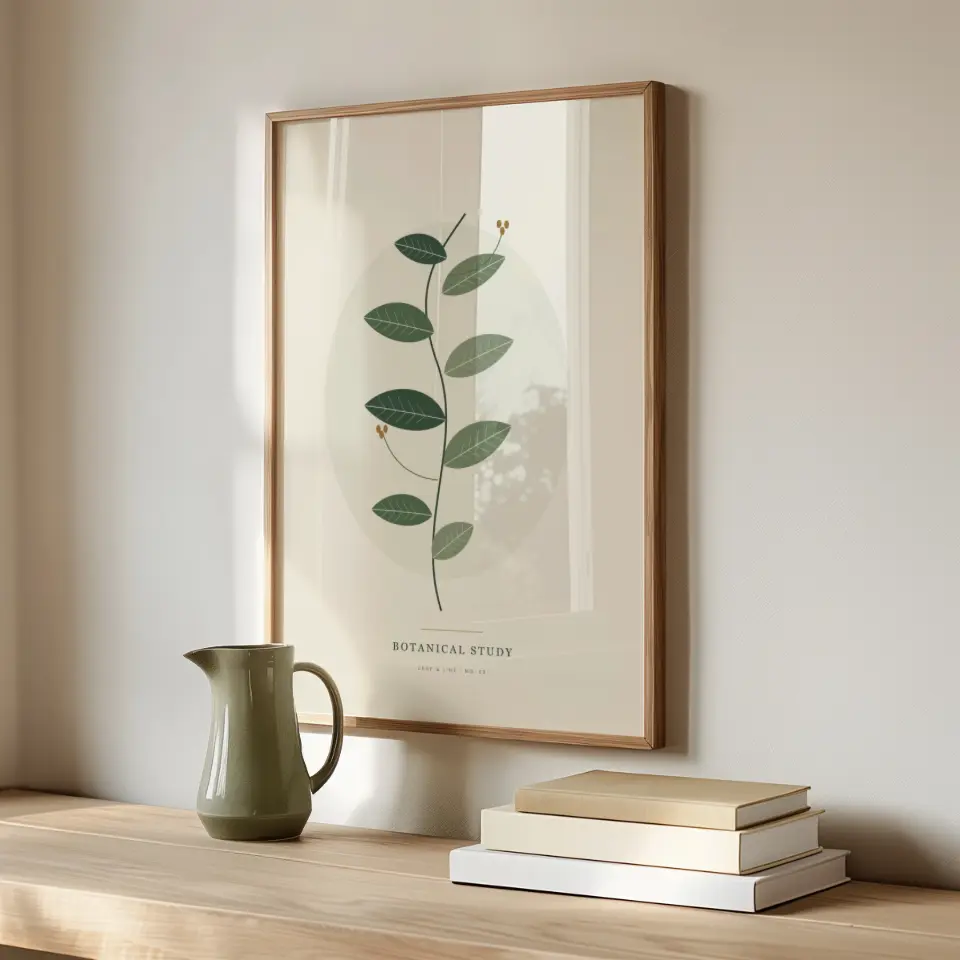
The mockups behind EzraGallery’s Etsy shop, now instant.
Click an artwork to see it in the scenes.
Your artwork fills the opening automatically. Edges may be cropped; proportions stay unchanged.
Your art stays yours. How we protect it
Preparing your finished image
Securing your artwork
Your download will start automatically. Please keep this page open.
Next
Hand-held frame, Natural daylight
Reduced-resolution preview. Download the finished image for full resolution.
Previews are made on your device. Your download is rendered privately in the cloud, then the artwork is deleted.
Save image againHand-prepared rooms, frames and details, shown with a sample until you add your artwork. Then every scene shows yours.
Based on overall scene brightness.
All looks. Browse the collection.
Every scene uses your uploaded artwork. Ratios work in either orientation.
No scenes match these filters yet. Try another scene type, ratio, or orientation.
Find your finished images in one place.
From the collection
A few of the scenes your artwork can live in, shown here with sample artwork. Each opens on its own page.
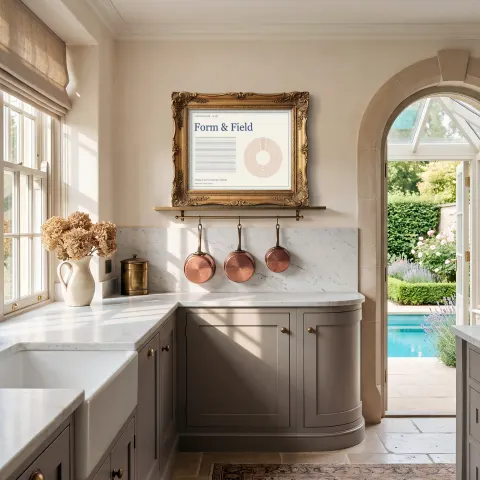 Garden Arch KitchenFramed art · Antique Gold · Landscape 4:3
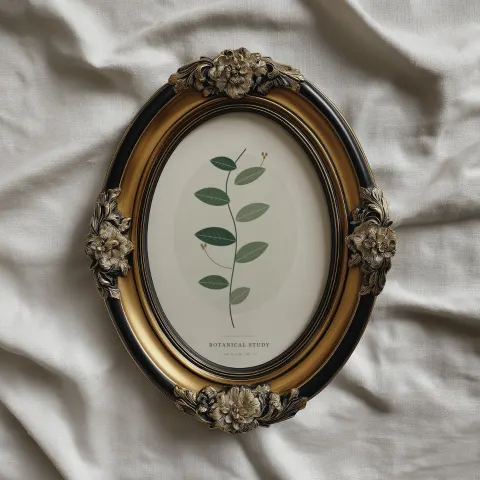 Gilded Oval on LinenRound / oval · Antique Gold · Portrait 5:7
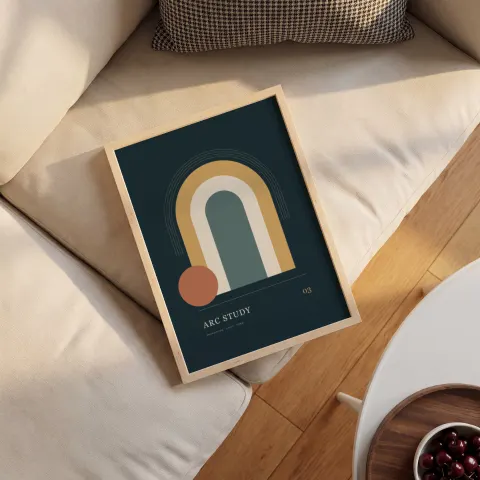 Oak on CushionsFramed art · Pale Wood · Portrait 3:4
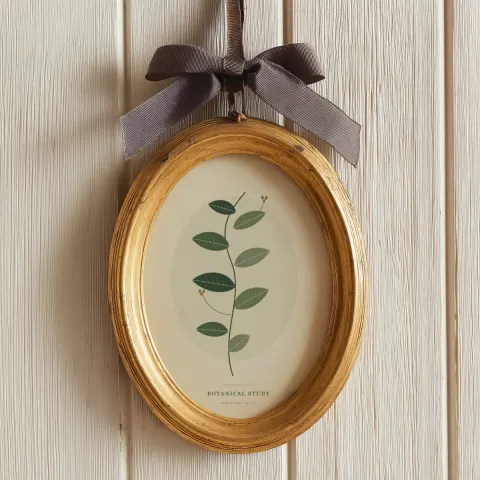 Ribbon ovalRound / oval · Antique Gold · Portrait 5:7
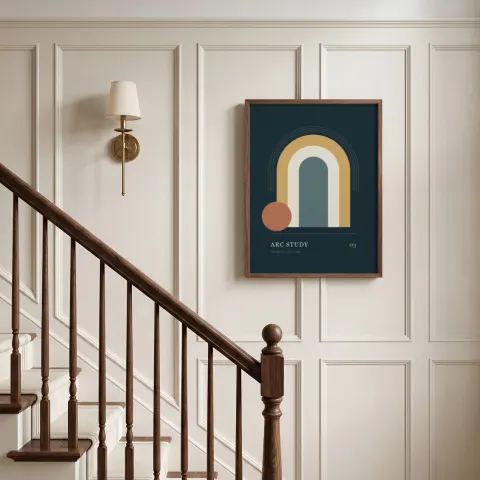 Paneled Stair LandingFramed art · Walnut · Portrait 3:4
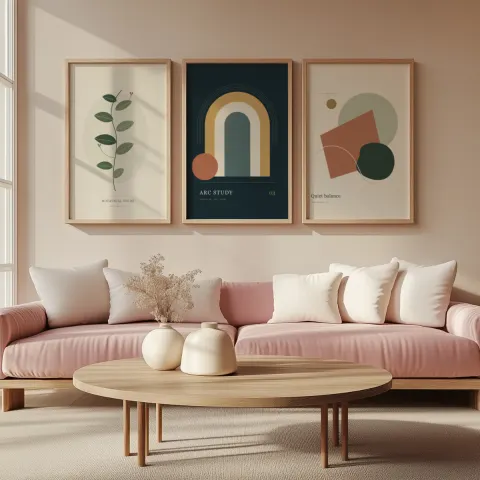 Blush Living Room TrioMulti-frame · Natural Oak · Portrait 2:3
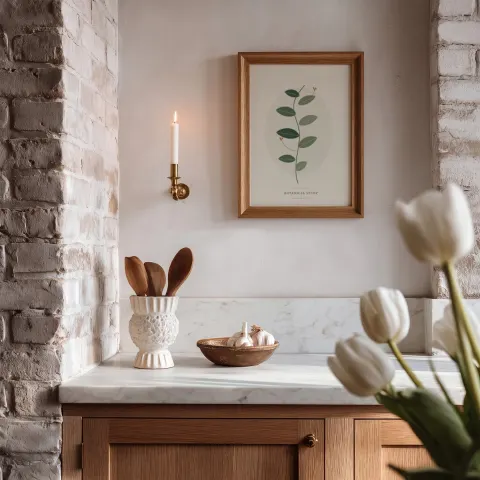 Candle & Tulip KitchenFramed art · Honey Oak · Portrait 5:7
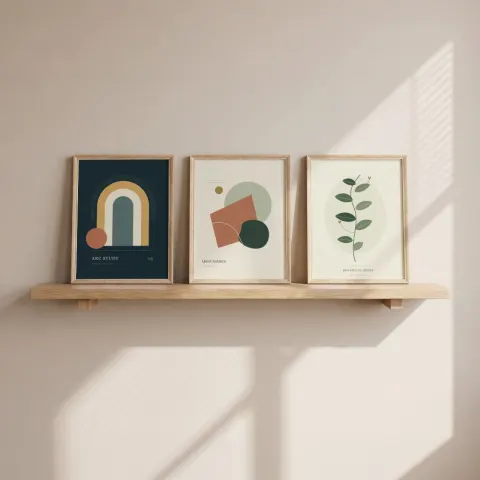 Sunlit trioMulti-frame · Natural Oak · Portrait 3:4
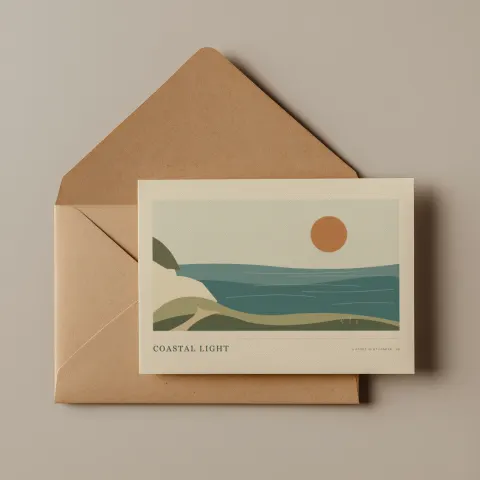 Kraft & Cotton CardCards · Ivory Card · Landscape 7:5
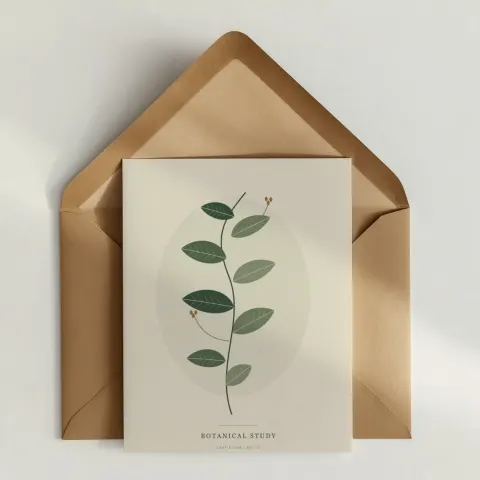 Kraft CorrespondenceCards · White Card · Portrait 4:5
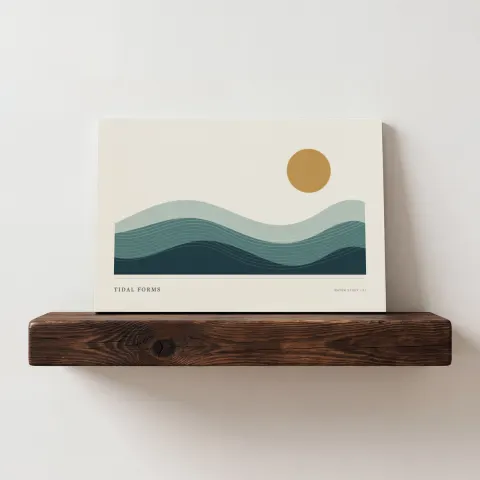 Rustic Shelf PrintPosters / prints · Unframed · Landscape 3:2
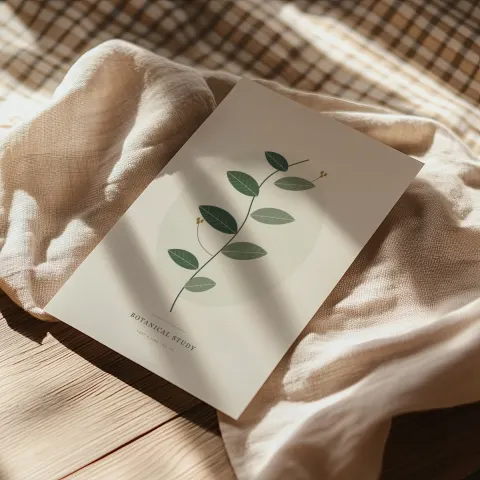 Print on LinenPosters / prints · Unframed · Portrait 2:3
Each scene starts in Photoshop, where I prepare it by hand: the light, the shadows, the reflections and the small details that make a mockup feel like a real photograph of your work.
 Drew Bellows Creator of EzraGallery and EzraGallery Studio. Meet Drew
Choose how you create
Try the free scenes, pay for what you need, or create without limits.
Free scenes
$05 scenes each month
A rotating selection to try with your artwork.
Keep the images you download.
Pay as you go
$1for one finished image
Up to 10 paid scenes per artwork in each checkout.
Your total updates as you add scenes.
Studio membership
$10 / month
For everything you want to create.
Renews monthly. Access continues through your paid period after cancellation.
Pay as you go$1
Studio membership$10
Every option includes high-resolution PNG & JPG downloads.
Trusted by artists and print sellers — 5.0 · 594 reviews on Etsy
“Love Love Love this frame!!!”
“Exactly what I needed and easy to use. Thank you!”
“Great digital, easy to use! A+”
All prices in USD. Applicable taxes are shown at checkout. Free scenes rotate on the first of each month at 00:00 UTC. Images you’ve already downloaded stay yours to use.
Why Studio
Start with your artwork, then choose the rooms, frames, and details that belong beside it. One upload takes you from browsing to a set of finished images.
Typical workflows; features vary by tool. On a small screen, swipe the table to compare.
| Your workflow | PSD mockups | Template generators | AI room generators | Studio |
|---|---|---|---|---|
| What you see while choosing | Usually sample art | Often sample art; upload previews vary | Generated results after a prompt | Your own artwork in every scene |
| How you find a scene | Listing titles and shop categories | Product categories and template filters | A text prompt or reference image | Style, frame, room, angle, and fit |
| Your artwork in the result | Placed after you edit layers | Placed in the chosen template | May be regenerated by the model | Placed pixel-exact, never AI-redrawn |
| Resolution | Set by the PSD | Varies by template and plan | Varies by model and plan | Up to 4096 px, depending on the scene |
| A whole listing | Edit and export each file; automation takes setup | Choose templates and export; bulk tools vary | Generate and check each result | Add up to ten scenes per artwork to one listing set |
| A whole catalog | Repeat edits or set up automation | Repeat or use available bulk tools | Generate and check each artwork | Save your scenes as a set; reuse it with each new print |
| Ready for Etsy | Crop and resize in your editor | Sizing tools vary | Check the size, crop, and artwork | Etsy, Instagram and Pinterest export presets, with the crop shown on the preview |
See your piece throughout the library. Narrow by style, frame finish, room, angle, and fit.
Find your lookAdd the scenes you love to your set. Review your selections and check out whenever you’re ready.
Choose your scenesAdd your prints, switch between their thumbnails, and save the scenes you love. Review your selections together when you’re ready.
Add your artworkA few good questions
The creative part is yours.
We’ve simplified the rest.
A traditional PSD mockup usually means downloading a large file, opening an image editor, replacing a smart object, and exporting it yourself. Finding another scene often means starting that process again.
Save time and storage space. Upload your artwork once, browse scenes with your art already in place, and download the finished images you need. There’s no collection of bulky PSD files to store, no software to install, and no layers to edit yourself.
Make your budget go further. Preview before you pay. Try the free scenes, pay as you go, or choose unlimited downloads with membership. Compare the options.
Keep the premium finish. EzraGallery’s own premium designs preserve each scene’s original shadows, reflections, masks, and overlapping details. Your actual artwork is placed into the scene without AI redrawing. Go straight from preview to a lossless PNG or high-quality JPG at the scene’s highest available resolution—up to 4096 × 4096 pixels on supported scenes—ready for your shop, website, or social feed.
Upload your artwork to see it across the library. Start with a style, then narrow by frame finish, room, angle, and fit. Search for a look in your own words. Your artwork stays in place as you change filters.
Your chosen artwork-and-scene images, collected in one place. Click Add to set on any scene you like, then review your selections and check out from the box at the bottom right.
Yes. Add up to 25 JPG or PNG artworks in one visit and switch between them; every scene shows the artwork you choose. Save the scenes you like as a scene set, then add them for your next artwork in one step. Membership includes the downloads; pay as you go is $1 per finished image.
Choose an Etsy export preset and adjust the crop before downloading a PNG or JPG. Move the crop to choose what stays in your finished image.
No. You preview here in your browser, and Studio prepares the final download privately in the cloud. The scenes are already prepared, so you don’t need to open a PSD, edit layers, or learn smart objects.
Studio detects portrait, landscape, or square artwork and selects that orientation for browsing. Crop markers show the percentage cropped or note a round opening. Exact fits have no crop badge, and the selected preview confirms Fits exactly. The library starts with exact and close fits. Choose Show all fits for more options, and Show cropped edges to inspect what falls outside the opening. Artwork automatically fills the opening without stretching; edges may be cropped. Round frames follow the shape of their opening.
Add up to 10 paid scenes for the same artwork to your cart. Every image is $1, and your total updates as you add scenes. Review your images, pay once, and download. No account or subscription needed.
Each purchase covers every preset and PNG or JPG format for the same artwork and scene within the original 24-hour retrieval window. To make another preset, choose the same scene and upload the exact original artwork again. A different artwork or scene is a new purchase. Changing a preset does not restart the retrieval window. Save your finished files locally. Failed renders can be retried with the same original artwork without paying again.
A finished PNG or high-quality JPG, rather than a PSD template. Scenes with 4096 × 4096 source assets offer that export size; smaller scenes show their available resolution. Studio also warns you if your artwork is too small for a sharp result. A purchase with multiple scenes includes individual finished files plus one zip, with the size and crop you choose for each scene, in your chosen PNG or JPG format.
Yes. Each independent frame or card has its own upload area, so you can place a different piece in each opening. Reflections of an artwork update with that artwork.
Previews stay in your browser’s memory. For a cloud download, your artwork goes to private temporary storage and is deleted after the rendering attempt. Scheduled cleanup handles interrupted uploads and expired downloads. Finished images made while signed in are saved privately in My downloads until you remove them. Guest files are accessible for 24 hours; physical deletion normally follows within the next hour. Your artwork never becomes part of the scene library. Read the privacy details ↗
Yes. Use your finished images to present your own artwork in shop listings, on your website, in social posts, and in advertising, including work for your clients. You keep the rights to your artwork. The scene templates and source layers remain EzraGallery’s; the download is a finished image. Read the usage terms ↗
A little help, when you need it
A question about a scene, your download, or your membership? Send a note anytime.
Your message comes straight to Drew, who makes every scene.
Your listing set