Poster mockup generator
Browse paper scenes with your own poster in place.
Unframed poster and print designs: pinned, taped, leaning or laid flat, with carefully prepared paper texture, curved edges and soft shadows. Your design keeps its proportions and fills the sheet edge to edge, which makes these scenes right for typographic posters, illustration prints and event flyers.
Explore the whole library by look: browse modern minimal style, natural wood frames, or living rooms. Upload once in the studio to see your artwork in every tile as you narrow by style, frame, and room.
Upload artworkFive scenes free each month · Pay as you go · $10/month unlimited
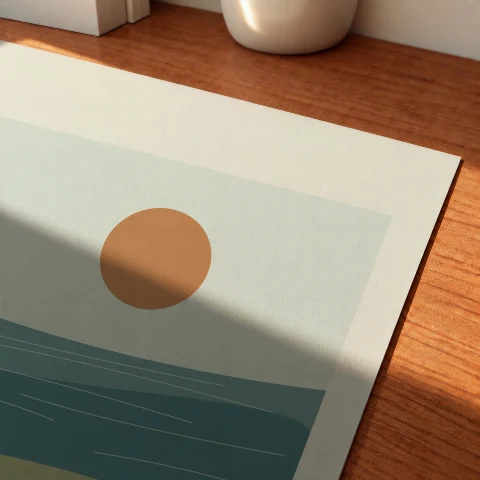
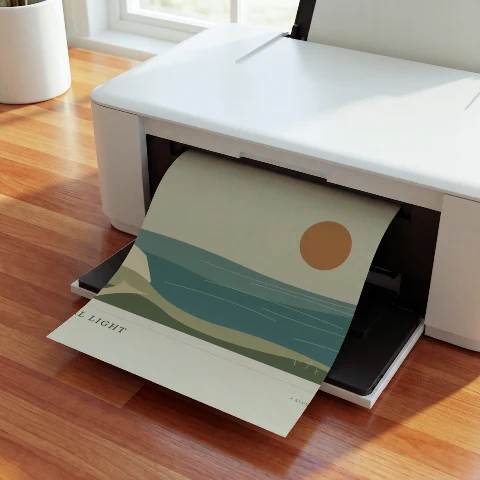
Sample scenes with artwork in place
Rendered with sample artwork by the same compositor that produces your download. Open a scene for its details or use it directly in the studio.
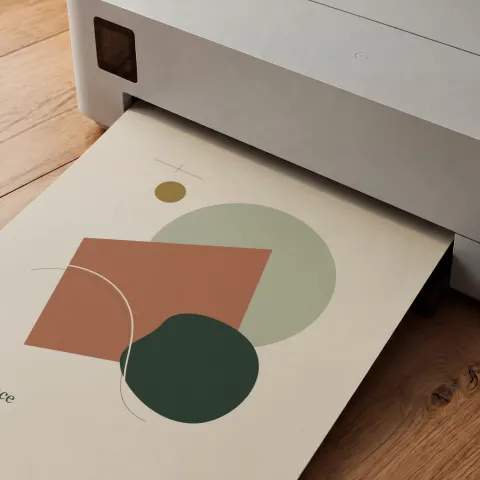
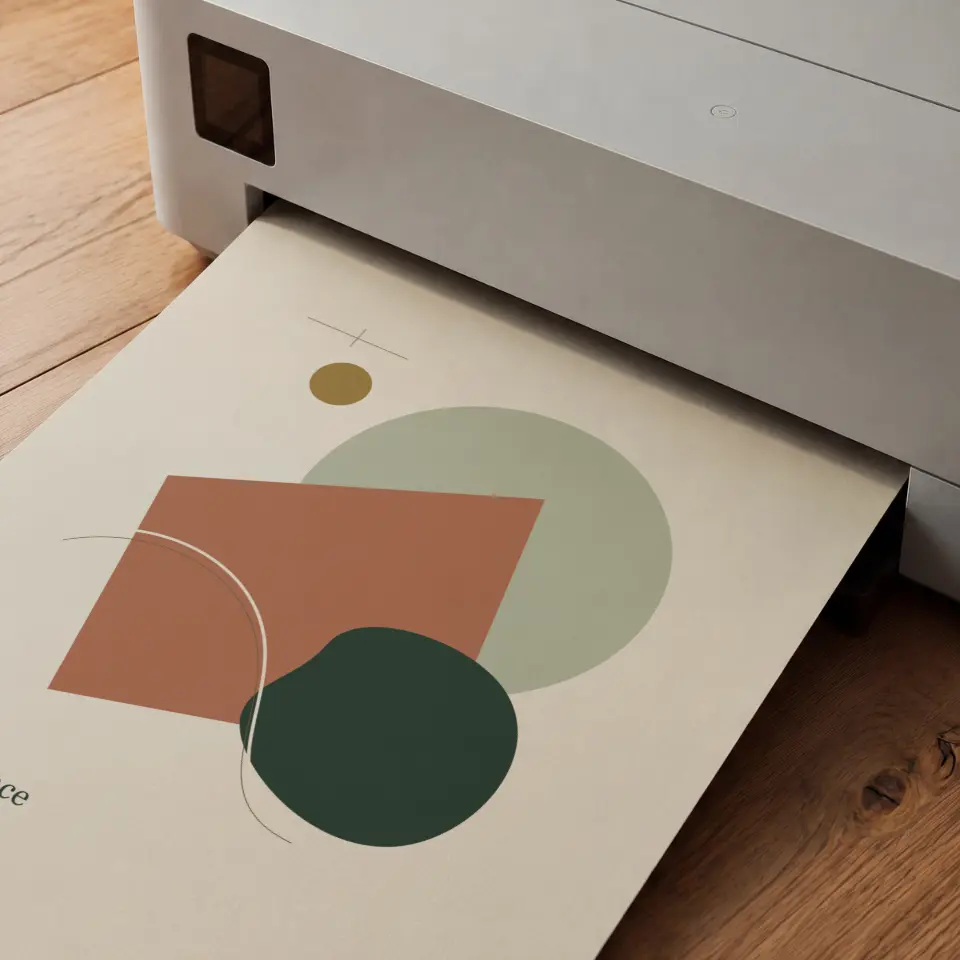
Fresh from the printer
Posters / prints · Unframed · Portrait 4:5Sunlit Sheet Corner
Posters / prints · Unframed · Landscape 4:3Sunlit Printer Curl
Posters / prints · Unframed · Portrait 4:5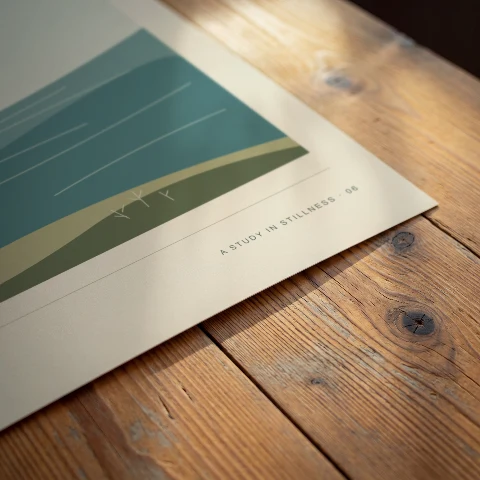
Weathered Plank Close-Up
Posters / prints · Unframed · Landscape 7:5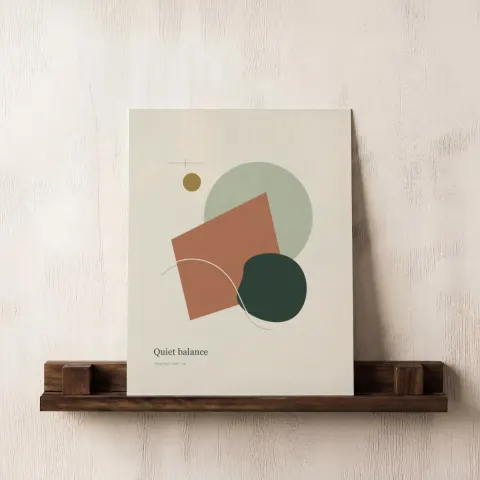
Plaster & Timber
Posters / prints · Unframed · Portrait 4:5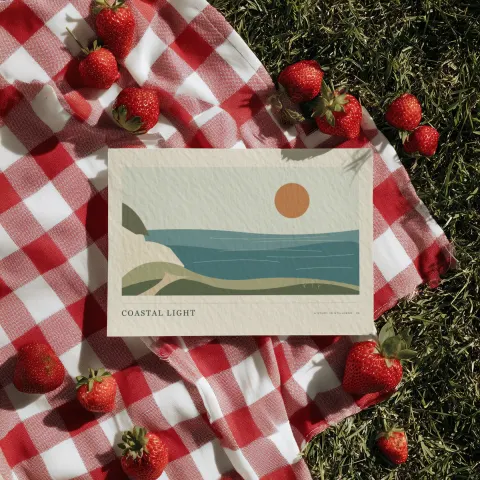
Strawberry Picnic Print
Posters / prints · Unframed · Landscape 7:5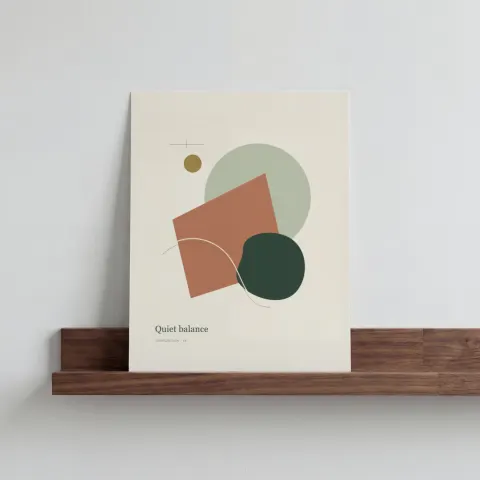
Print on a Walnut Ledge
Posters / prints · Unframed · Portrait 4:5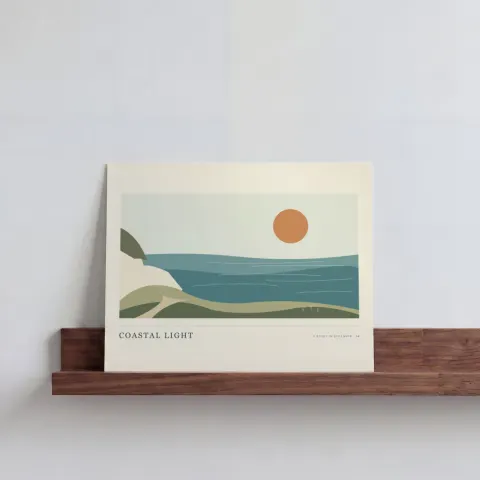
Landscape Print on Walnut
Posters / prints · Unframed · Landscape 5:4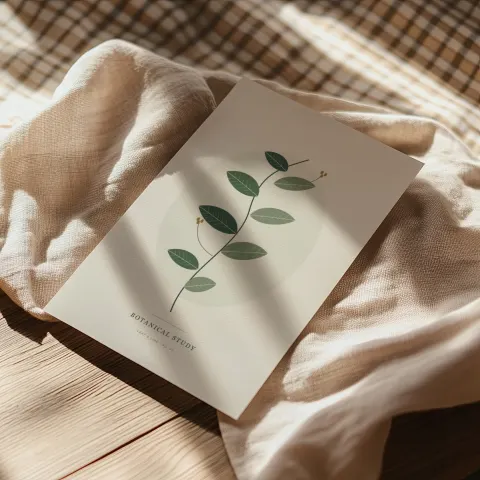
Print on Linen
Posters / prints · Unframed · Portrait 2:3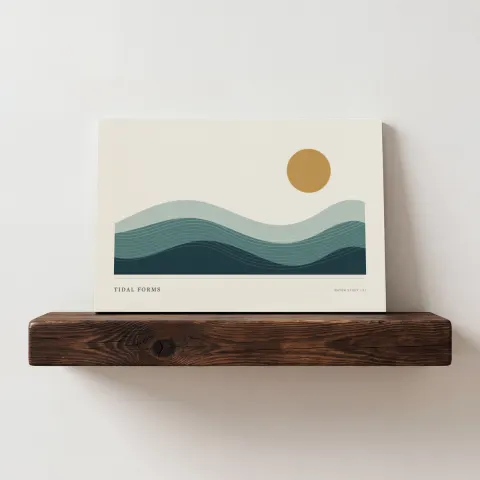
Rustic Shelf Print
Posters / prints · Unframed · Landscape 3:2
How to make a poster mockup in 3 steps
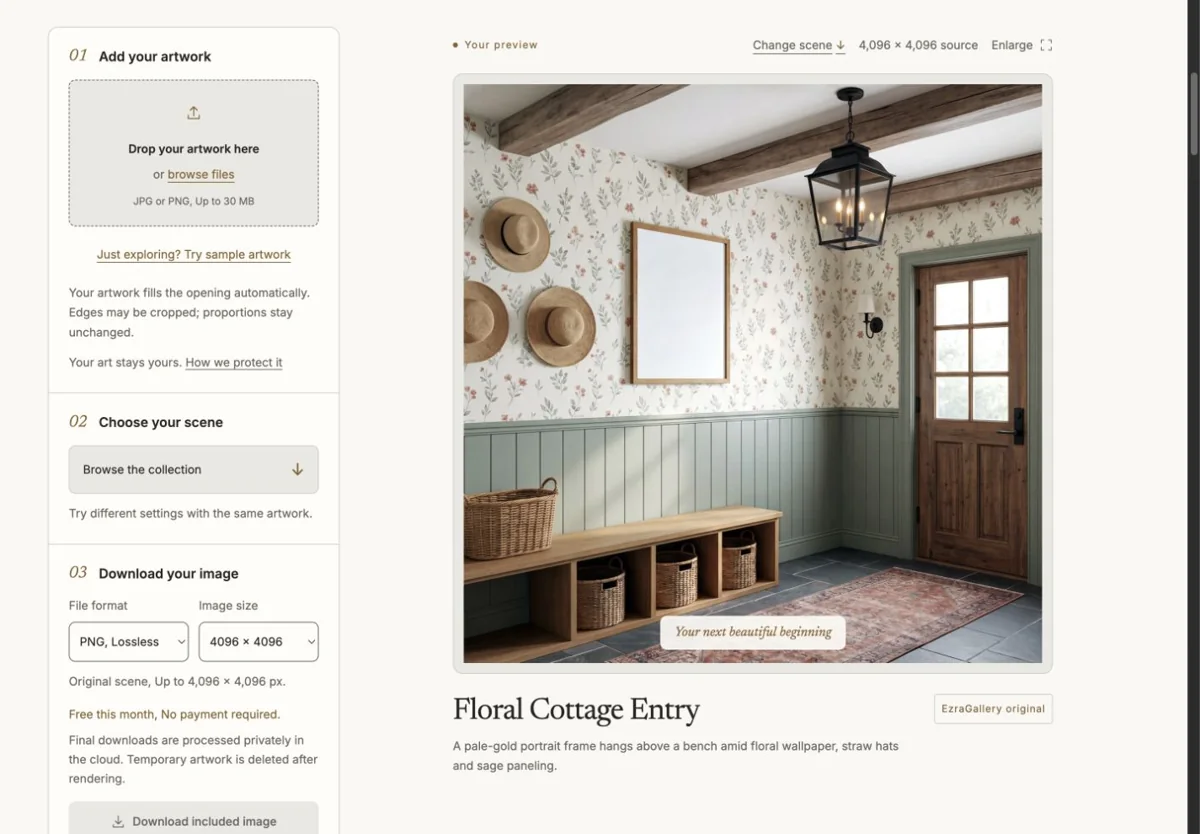
Upload your artworkDrop a JPG or PNG up to 30 MB. Studio reads its proportions and picks the matching orientation. 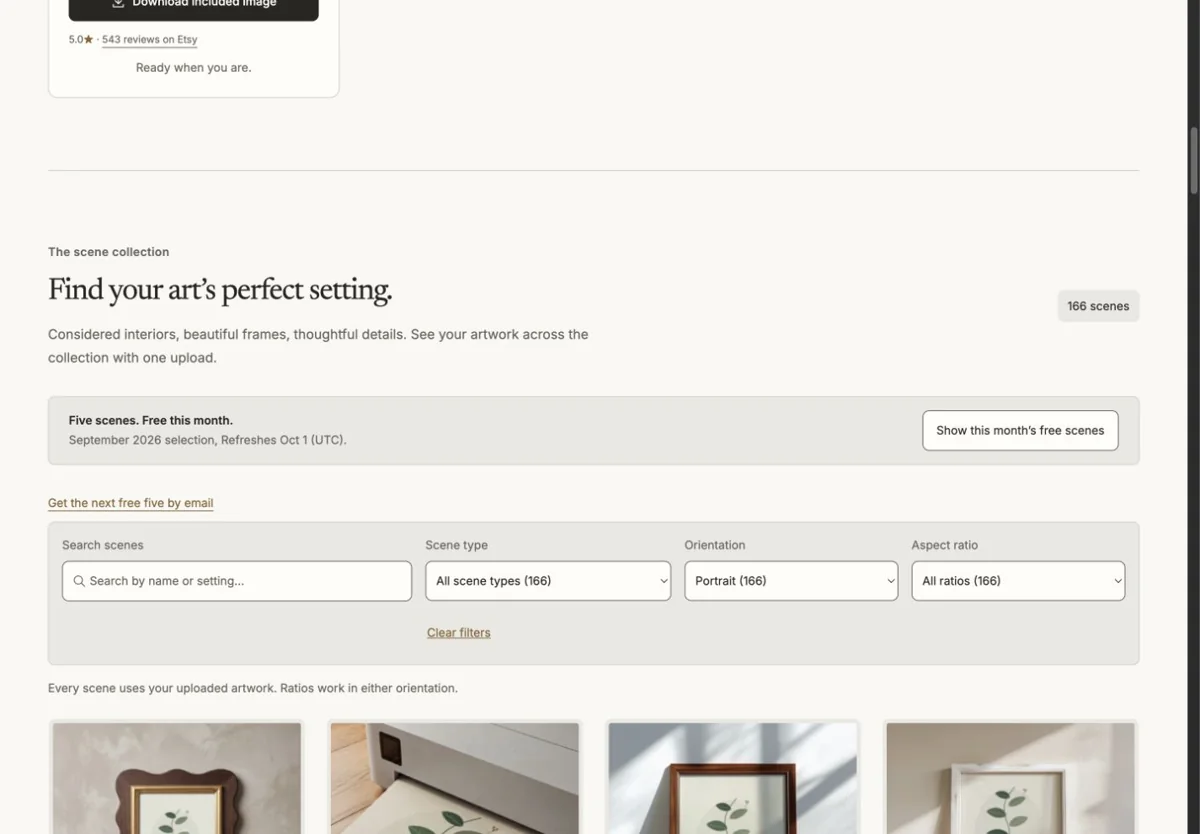
Choose a sceneSee your artwork across the collection. Narrow by style, frame finish, room, angle, and fit. 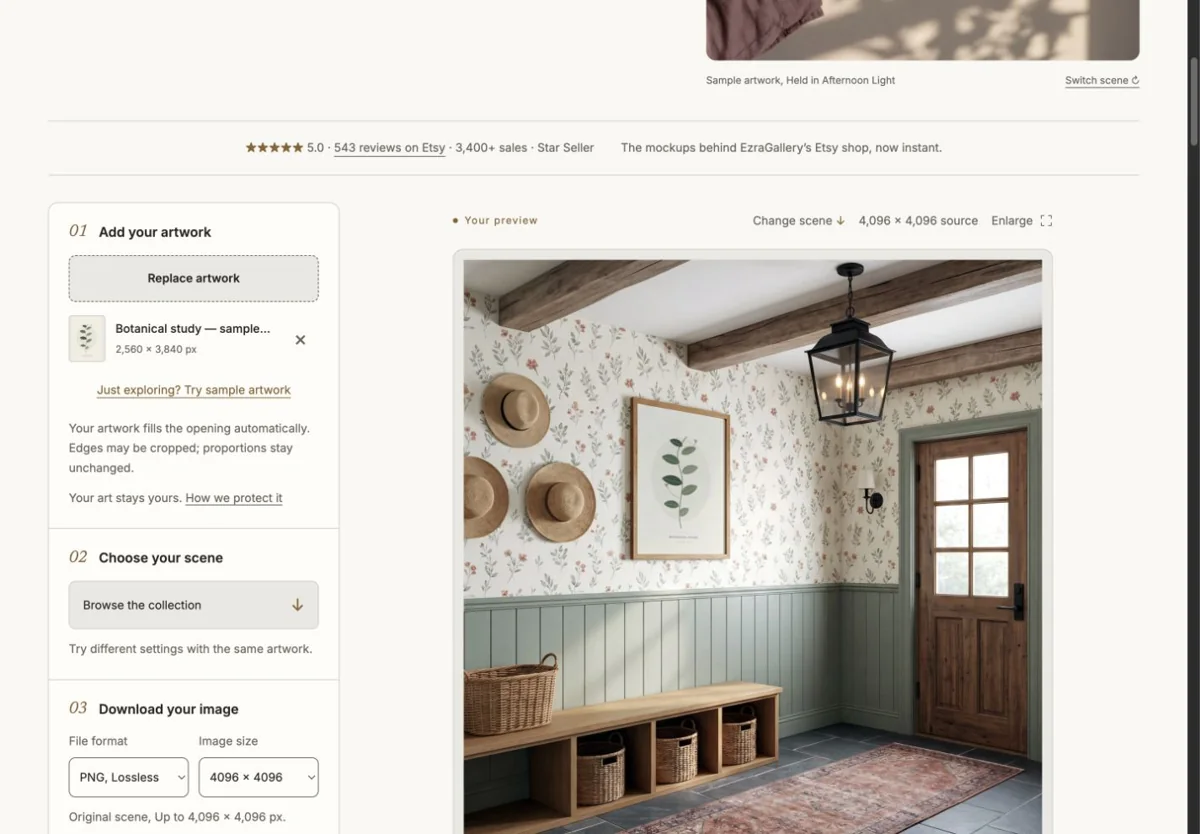
Download the finished imageChoose an export preset and check its crop on the preview. Download one finished image or build a listing set.
Why EzraGallery Studio
Your artwork in every scene
Upload once and browse with your piece already in place. Your artwork is placed, never AI-redrawn.
Find the look for your shop
Choose a style, frame finish, and room. Angle and fit filters help narrow the details.
One upload, a whole listing
Add up to ten scenes per artwork to a listing set, then save those scenes as a scene set and add them for your next print in one step.
Choose an Etsy export preset
Choose the Etsy 4:3 preset, or Instagram, Pinterest or the original square, and see its crop on the preview before downloading PNG or JPG. Etsy may display other shapes.
Poster mockup generator questions
How are paper texture and shadows handled?
Paper texture, curved edges and shadow effects are prepared as part of each mockup design. Your artwork is placed into the opening in perspective, with those details preserved in the finished image.
What poster proportions work best?
Each scene lists the proportions of its sheet. Standard 2:3 and 3:4 posters match most scenes directly; other sizes are centred and cropped to fill the sheet without stretching, so keep important type away from the edges.
Can I mock up a poster without a frame?
That is exactly what these scenes are for. If you also want framed versions of the same design, the frame mockup generator uses the same upload.
Can I download a transparent PNG?
No. Downloads are finished images of the scene with your poster in place, as PNG or JPG. They are ready to publish rather than layers to composite.
What does a poster mockup cost?
Five scenes are free each month, other scenes are $1 for one finished image, and membership is $10 a month for unlimited downloads.
More generators
The mockups behind EzraGallery’s Etsy shop, now instant.