Wall art mockup generator
Find a room with your own artwork already on the wall.
Show your work on a wall, in a room, at the scale a buyer imagines it. These interior designs show settings where the frame hangs above a console, a sofa, a bed or a mantel, with coordinated lighting effects and furniture around it. Use them for listing images that answer the question every print buyer asks: how will this look in my home?
Explore the whole library by look: browse modern minimal style, natural wood frames, or living rooms. Upload once in the studio to see your artwork in every tile as you narrow by style, frame, and room.
Upload artworkFive scenes free each month · Pay as you go · $10/month unlimited
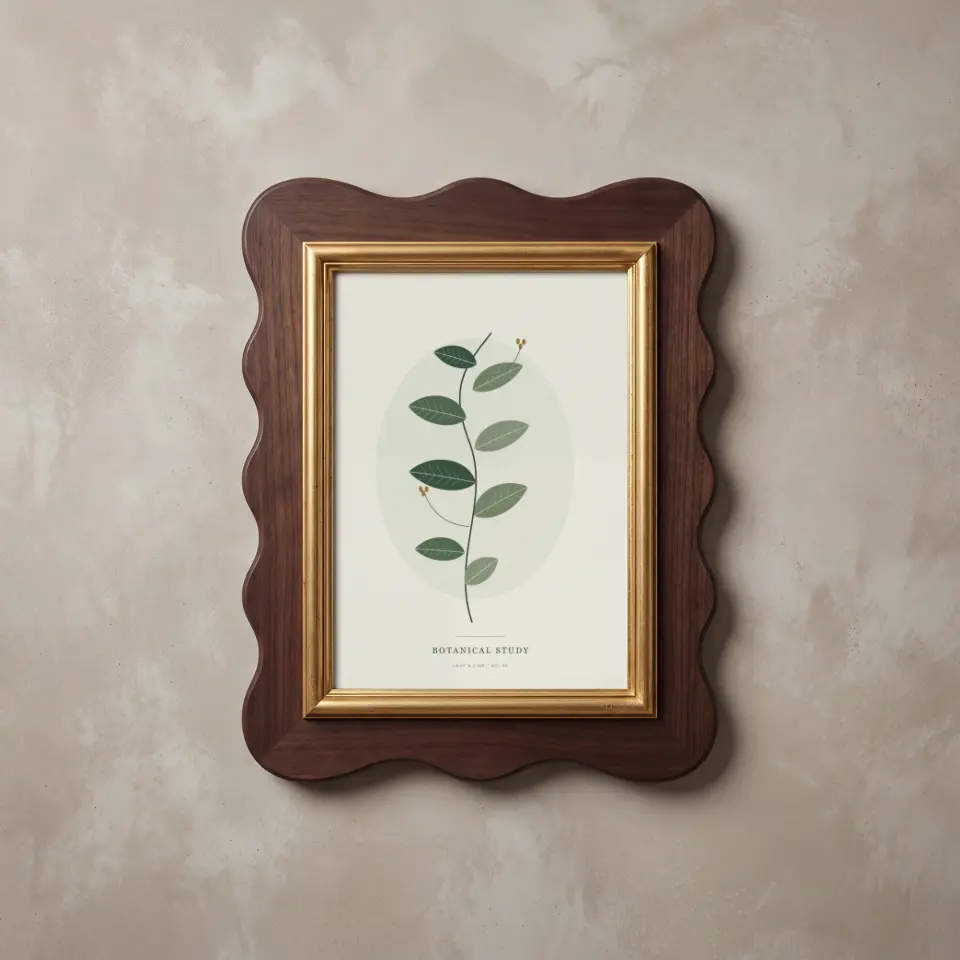
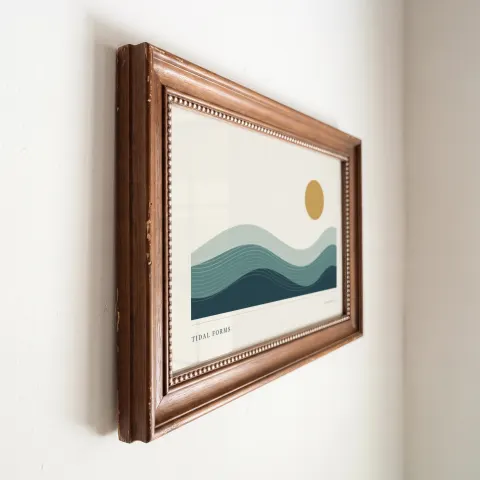
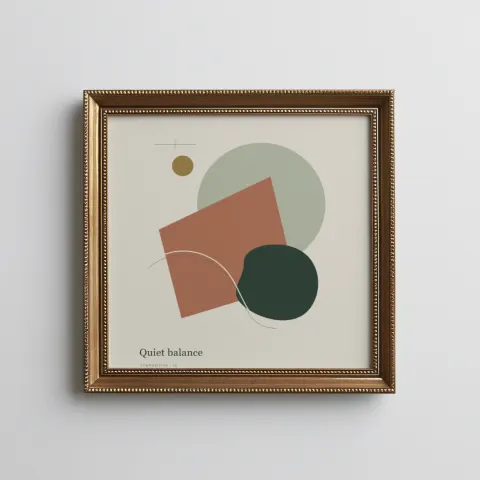
Sample scenes with artwork in place
Rendered with sample artwork by the same compositor that produces your download. Open a scene for its details or use it directly in the studio.
Scalloped Walnut
Framed art, Portrait, 5:7Heritage Angle
Framed art, Landscape, 3:2Classic brass
Framed art, Square, 1:1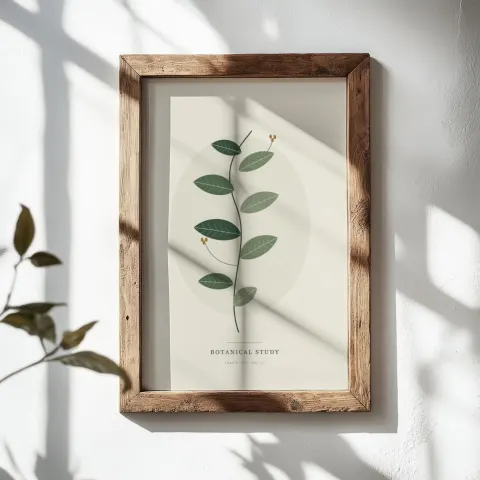
Rustic window light
Framed art, Portrait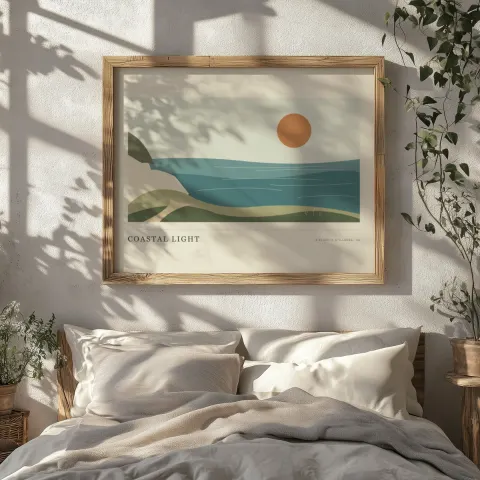
Dappled bedroom
Framed art, Landscape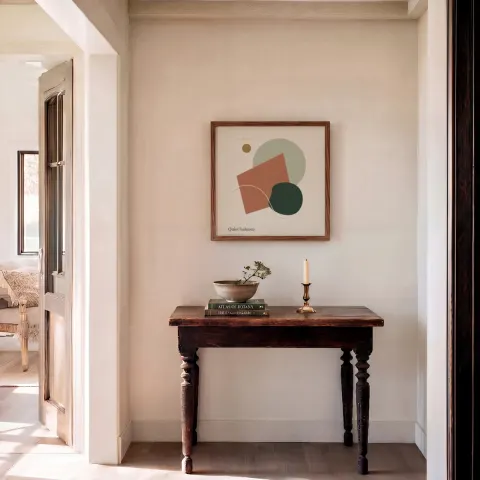
Square Hall Keepsake
Framed art, Square, 1:1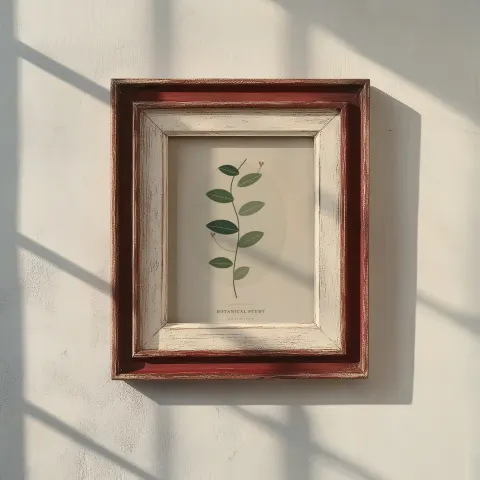
Heirloom shadow
Framed art, Portrait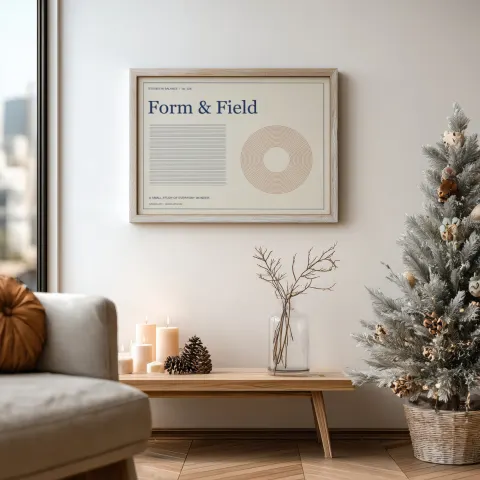
Winter living room
Framed art, Landscape, 4:3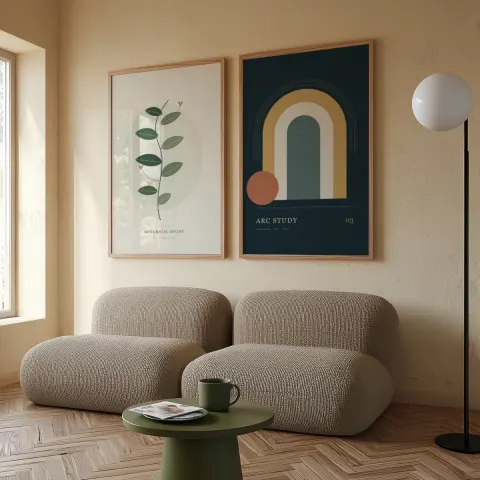
Sunlit pair
Multi-frame, Portrait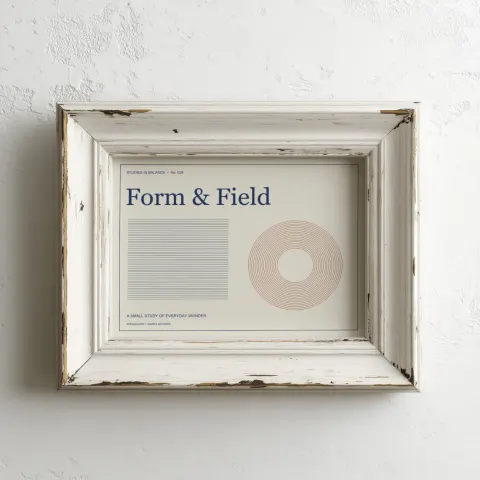
Weathered white
Framed art, Landscape, 4:3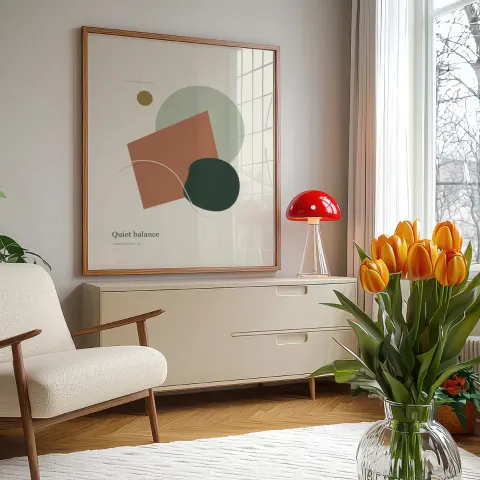
Tulip room
Framed art, Portrait, 4:5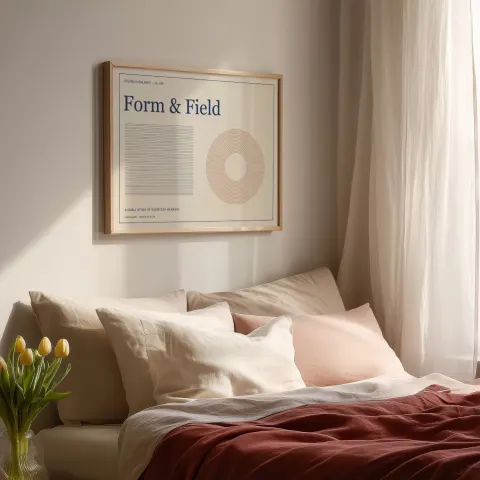
Soft morning bedroom
Framed art, Landscape, 4:3
How to make a wall art mockup in 3 steps
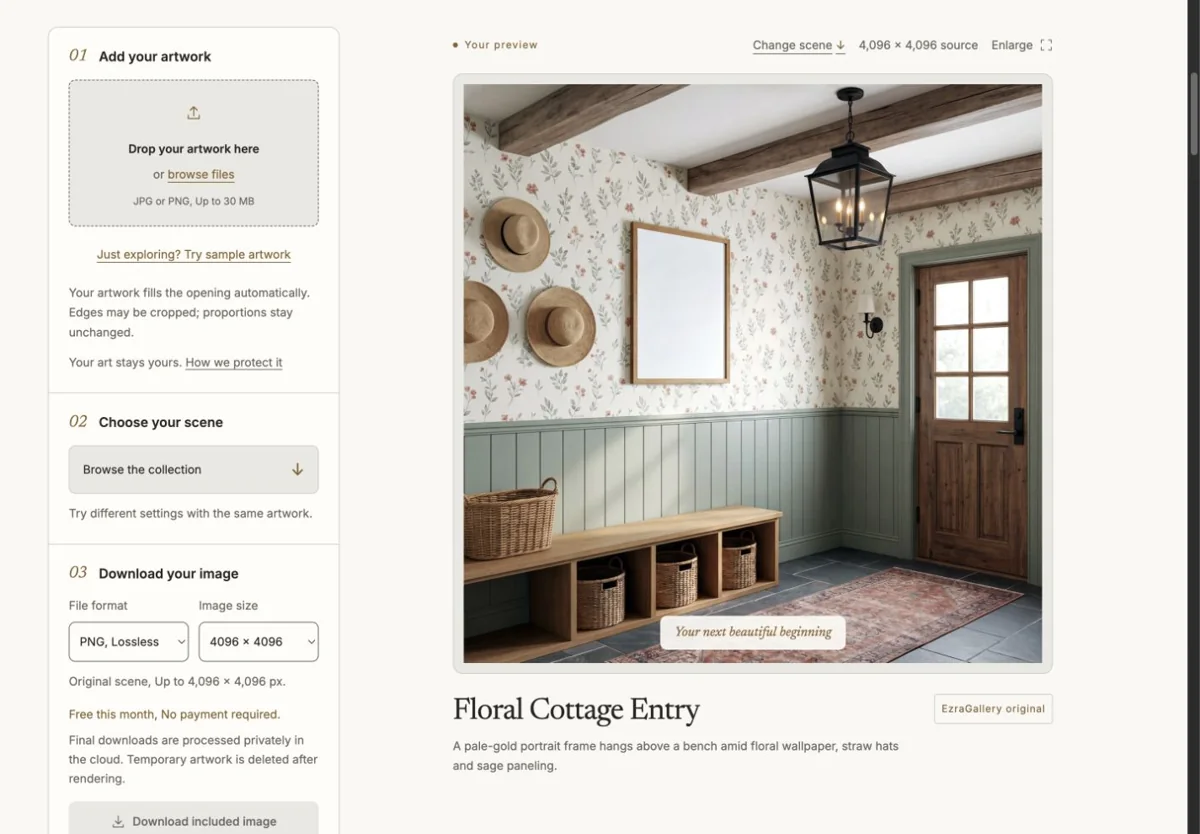
Upload your artworkDrop a JPG or PNG up to 30 MB. Studio reads its proportions and picks the matching orientation. 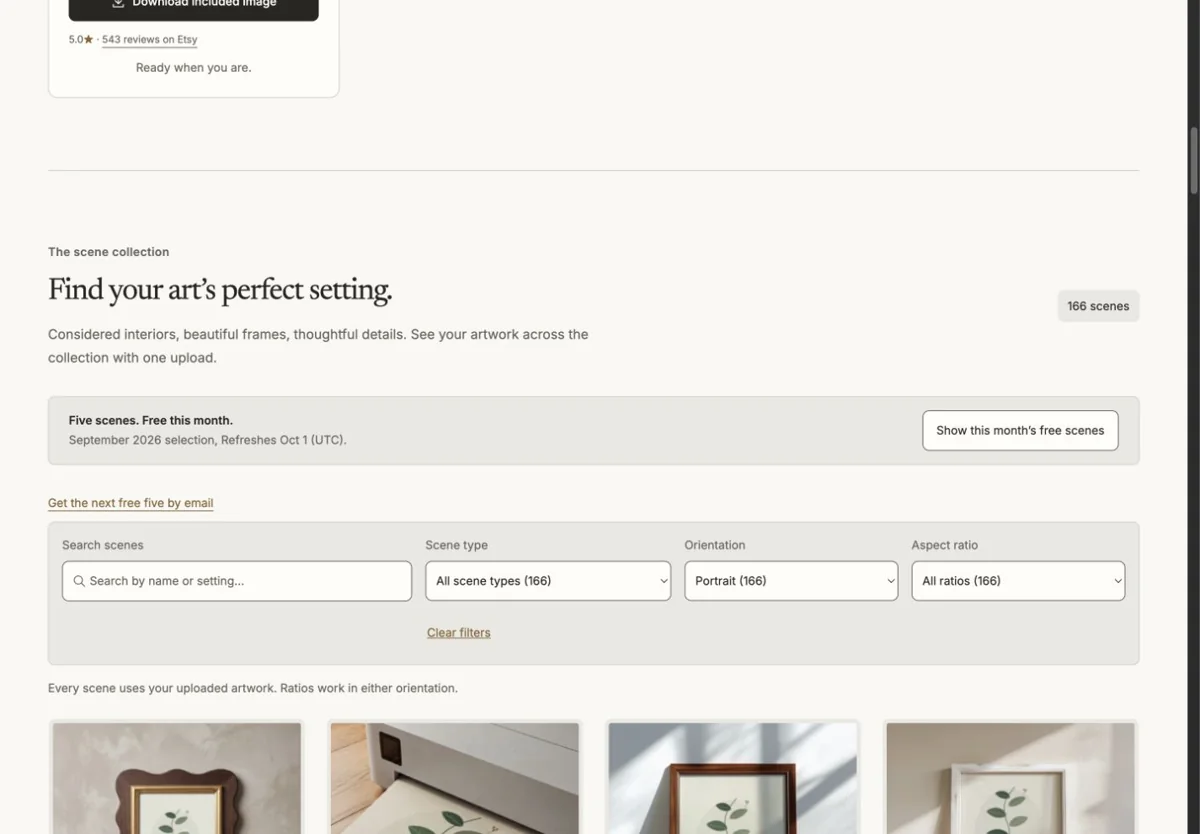
Choose a sceneSee your artwork across the collection. Narrow by style, frame finish, room, angle, and fit. 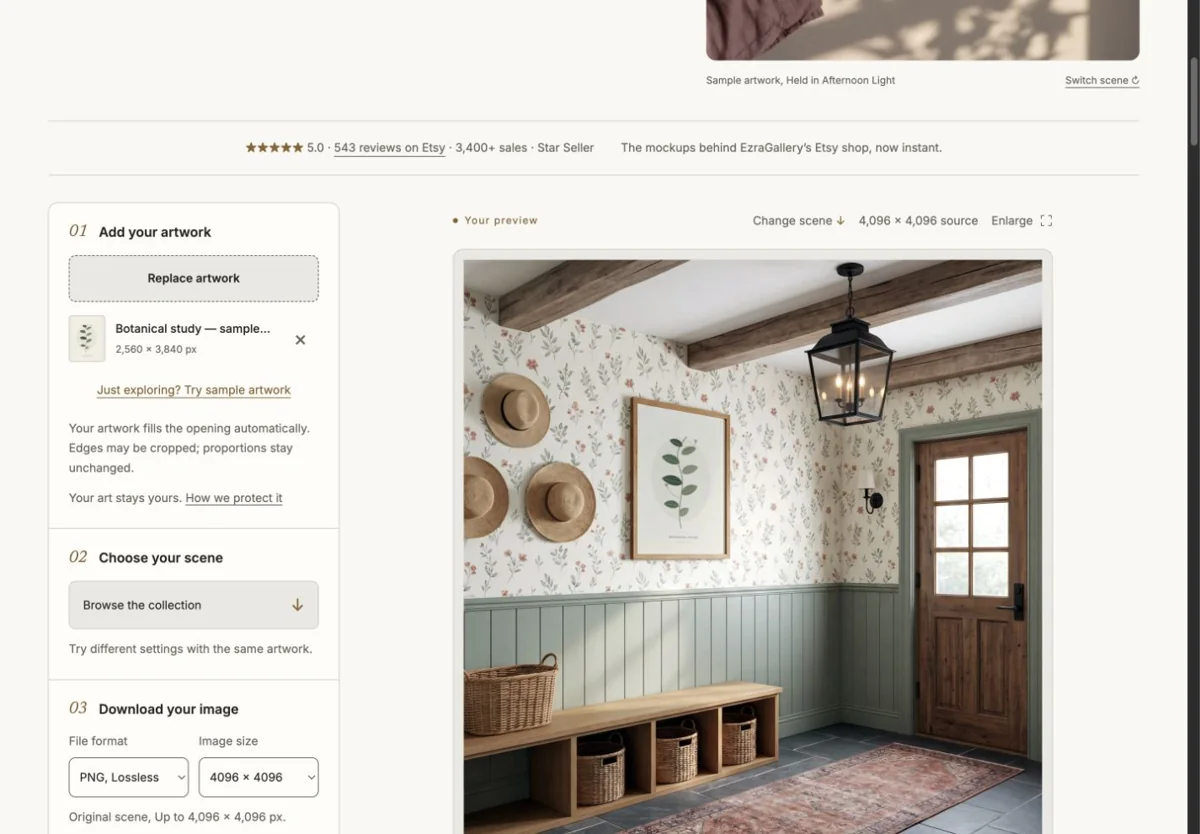
Download the finished imageChoose an export preset and check the Etsy crop guides. Download one finished image or build a listing set.
Why EzraGallery Studio
Your artwork in every scene
Upload once and browse with your piece already in place. Your artwork is placed, never AI-redrawn.
Find the look for your shop
Choose a style, frame finish, and room. Angle and fit filters help narrow the details.
One upload, a whole listing
Build a five-scene listing set, swap individual scenes, and save your choices for another print. Batch applies a scene or set to up to 25 artworks.
Choose an Etsy export preset
Check landscape and square search crop guides before downloading PNG or JPG images. Etsy may display other shapes.
Wall art mockup generator questions
Which rooms are included?
Living rooms, bedrooms, dining rooms, kitchens, hallways, entries and studies. Filter by orientation to match your artwork, then browse the interiors that suit its mood, from bright plaster walls to dark, lamplit lounges.
Does the artwork scale correctly to the room?
Each scene records the exact size and perspective of its frame opening, so your artwork is placed at the scale defined by the scene. It cannot be resized within a scene; choose a scene with a larger or smaller frame instead.
Can I show a set of prints on one wall?
Yes. Gallery wall and multi-frame scenes accept a separate artwork for each opening, so a pair or a series can be shown together. Single-frame interiors show one piece.
Will the result work for Etsy and Shopify listings?
Yes. Choose an Etsy export preset, review the landscape and square search crop guides, and download PNG or JPG. Native exports reach up to 4096 px on supported scenes; Etsy may display other crop shapes.
How much does a wall art mockup cost?
Five scenes are free each month, other scenes are $2 for one finished image, and a $10 monthly membership includes unlimited downloads from the whole collection.