Frame mockup generator
Your artwork in every frame, before you choose.
Place your artwork inside a carefully designed frame scene. The collection covers slim black and white mouldings, natural oak, walnut, antique gold and floating frames, hung on walls, leaning on shelves or held in hand. Perspective, glass reflections and shadows are carefully prepared as part of each design, giving your finished image depth and a cohesive finish.
Explore the whole library by look: browse modern minimal style, natural wood frames, or living rooms. Upload once in the studio to see your artwork in every tile as you narrow by style, frame, and room.
Upload artworkFive scenes free each month · Pay as you go · $10/month unlimited
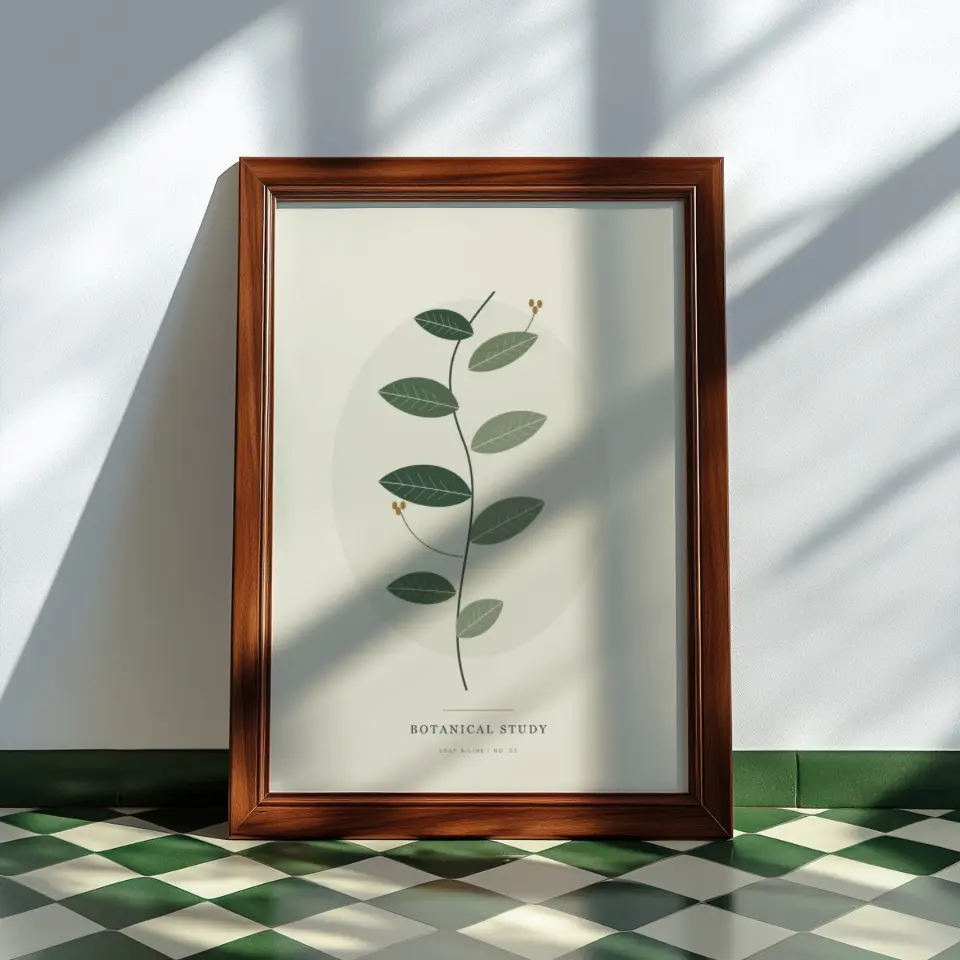
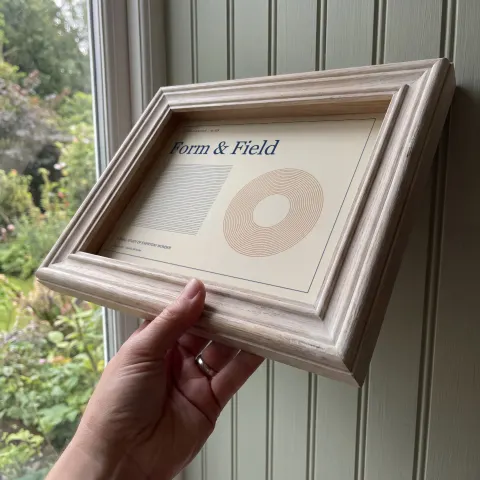
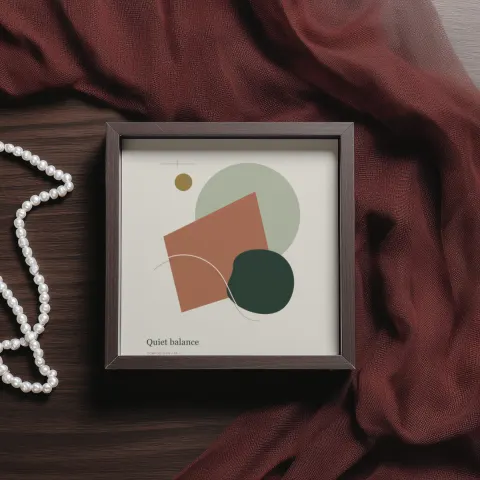
Sample scenes with artwork in place
Rendered with sample artwork by the same compositor that produces your download. Open a scene for its details or use it directly in the studio.
Sunlit walnut
Framed art, PortraitWindow light
Framed art, Landscape, 4:3Velvet and pearls
Framed art, Square, 1:1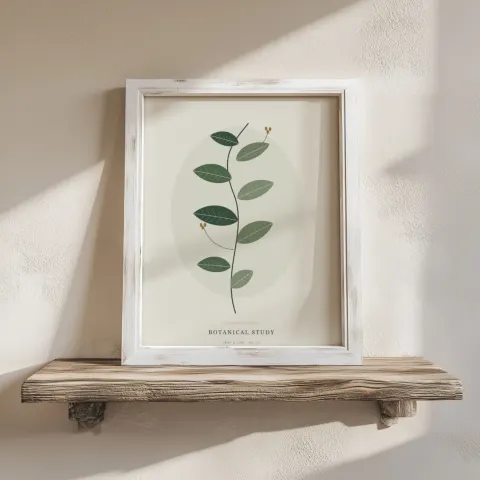
Whitewashed shelf
Framed art, Portrait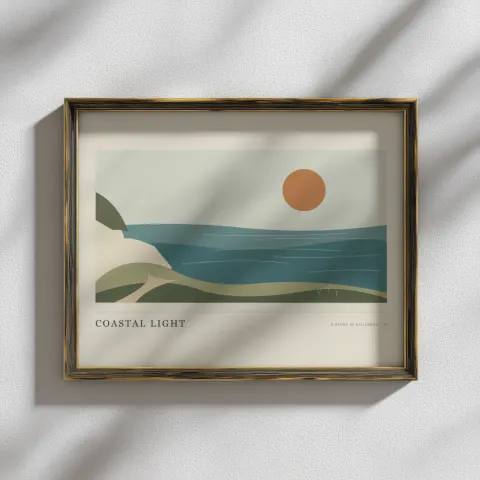
Brass and shadow
Framed art, Landscape, 5:4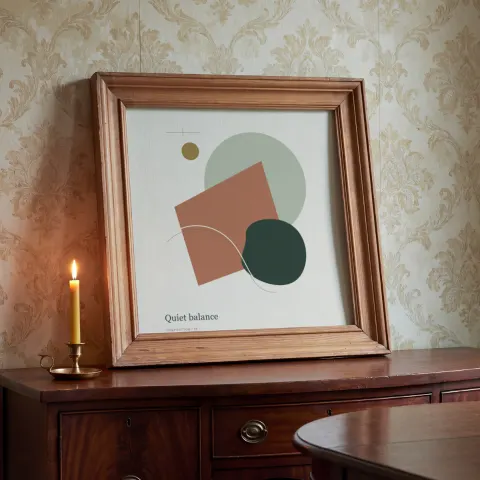
Candlelit walnut
Framed art, Square, 1:1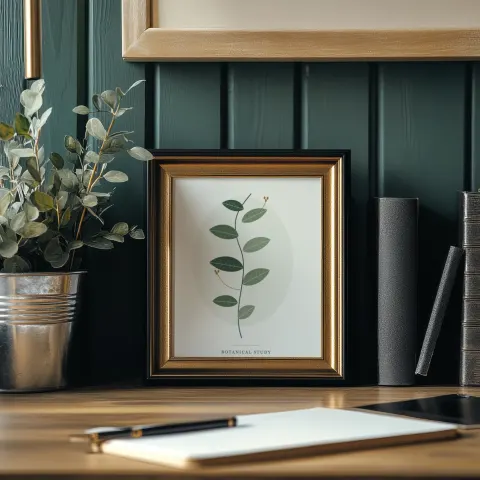
Deep green writing desk
Framed art, Portrait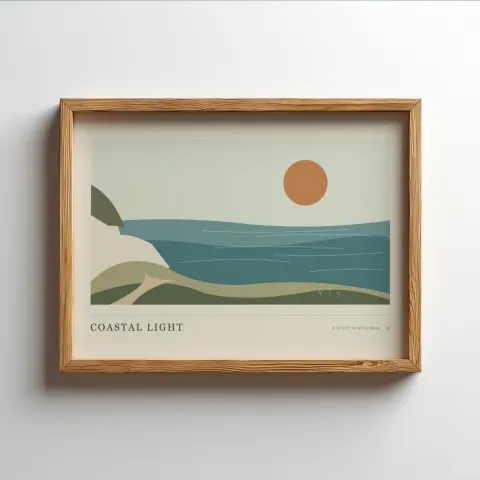
Simple oak landscape
Framed art, Landscape, 7:5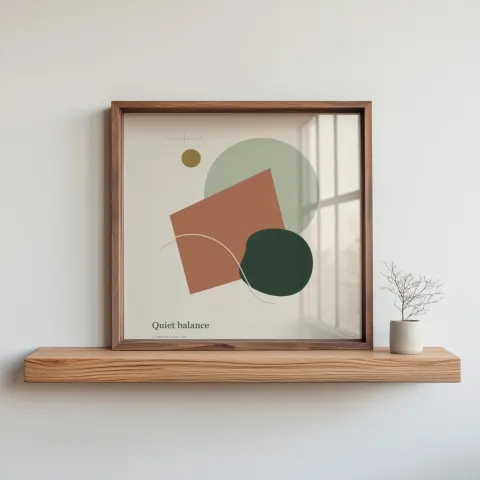
Square by the Window
Framed art, Square, 1:1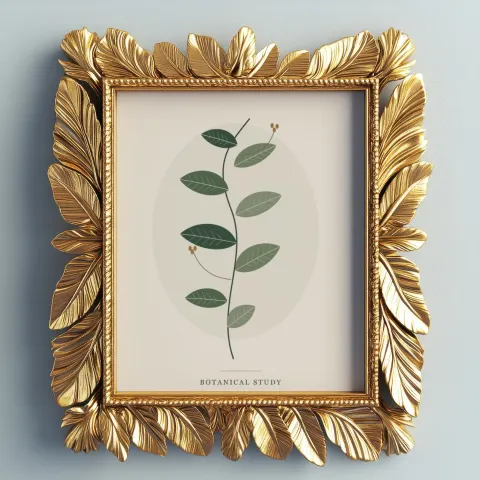
Gilded leaves
Framed art, Portrait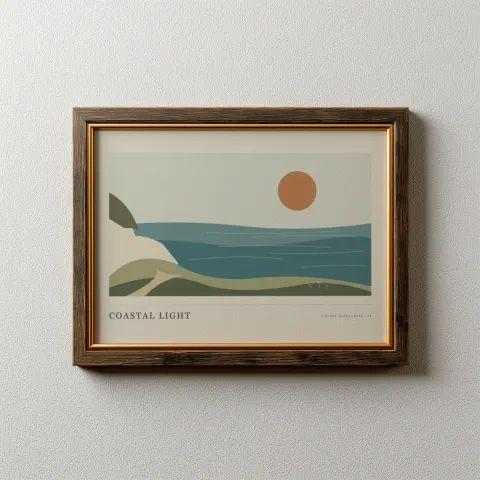
Bronze landscape
Framed art, Landscape, 7:5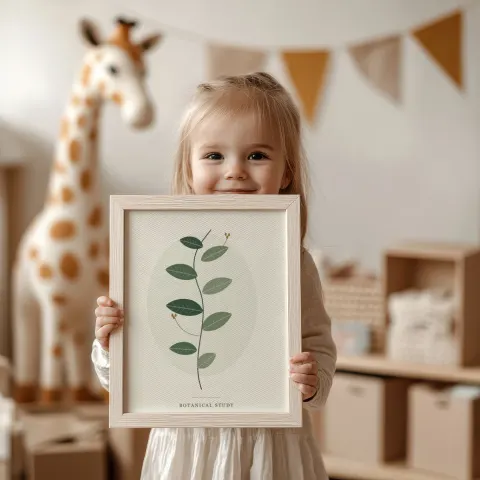
Little collector
Framed art, Portrait
How to make a frame mockup in 3 steps
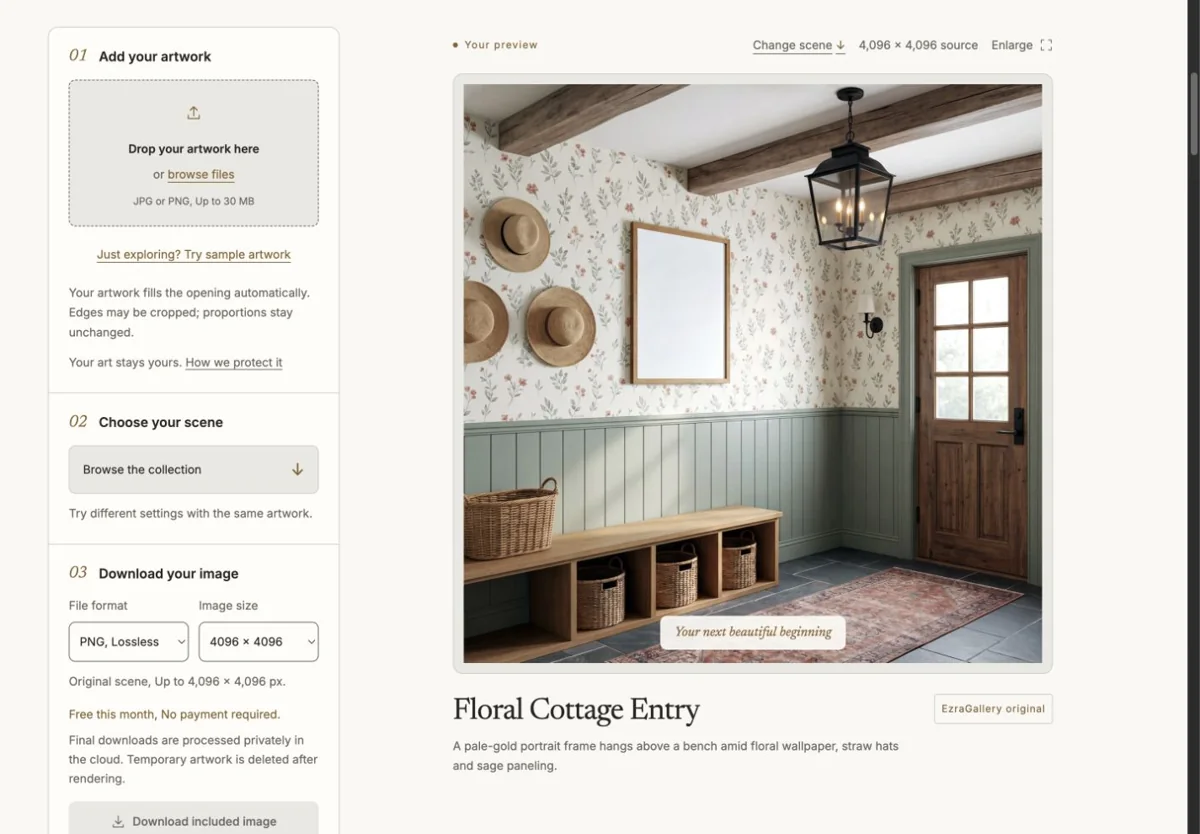
Upload your artworkDrop a JPG or PNG up to 30 MB. Studio reads its proportions and picks the matching orientation. 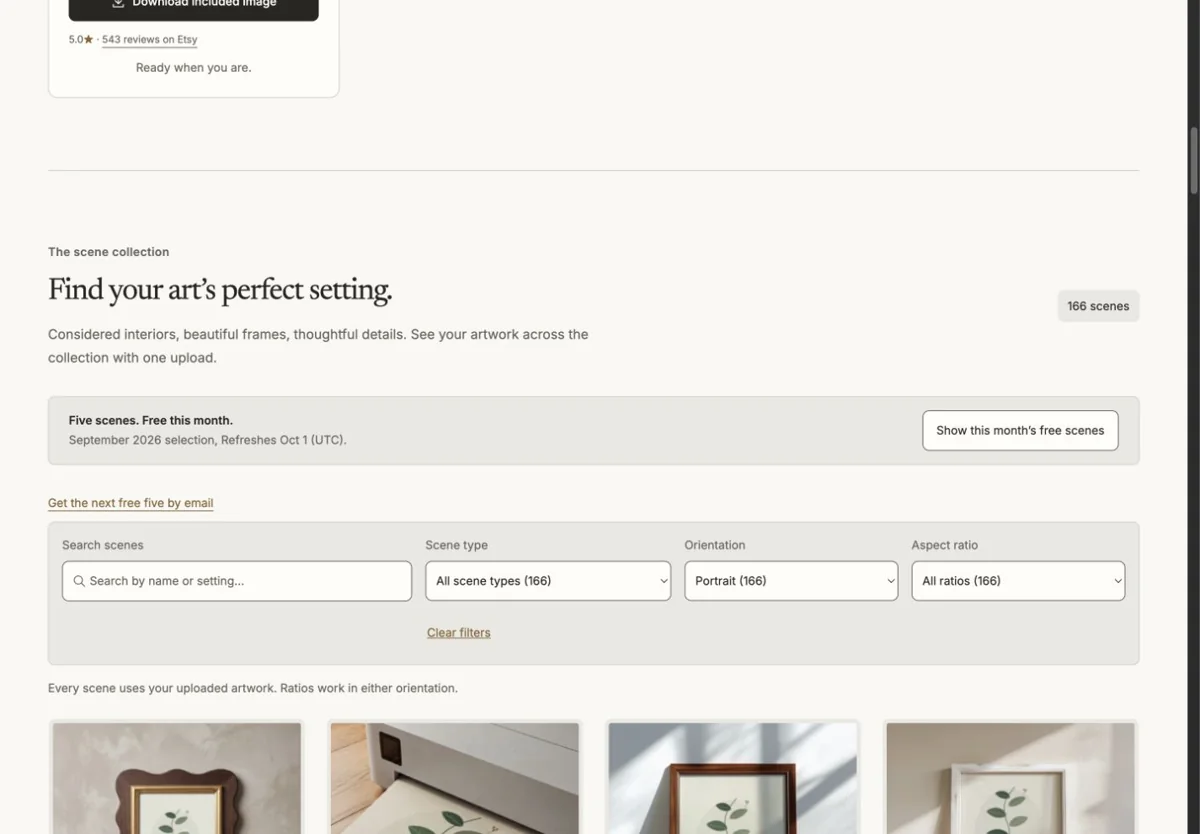
Choose a sceneSee your artwork across the collection. Narrow by style, frame finish, room, angle, and fit. 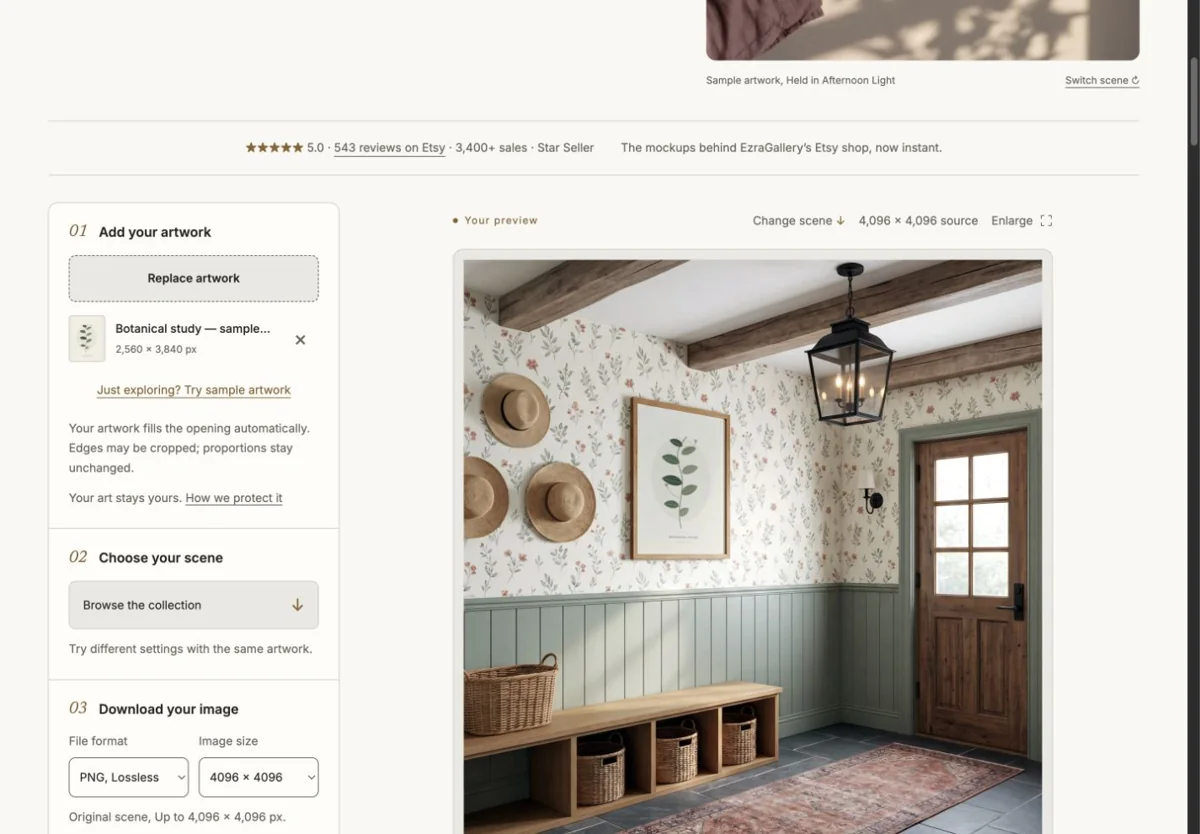
Download the finished imageChoose an export preset and check the Etsy crop guides. Download one finished image or build a listing set.
Why EzraGallery Studio
Your artwork in every scene
Upload once and browse with your piece already in place. Your artwork is placed, never AI-redrawn.
Find the look for your shop
Choose a style, frame finish, and room. Angle and fit filters help narrow the details.
One upload, a whole listing
Build a five-scene listing set, swap individual scenes, and save your choices for another print. Batch applies a scene or set to up to 25 artworks.
Choose an Etsy export preset
Check landscape and square search crop guides before downloading PNG or JPG images. Etsy may display other shapes.
Frame mockup generator questions
What sizes and ratios do the frame scenes support?
Every frame scene lists the proportions of its opening: 2:3, 3:4, 4:5, 5:7, square or a native ratio. Studio detects whether your artwork is portrait, landscape or square and filters the collection to match. Artwork always fills the opening with a centred crop, so proportions are never stretched.
Can I change the frame colour?
Each scene has a carefully prepared frame finish that stays fixed. Instead of recolouring, choose another scene: the collection includes black, white, oak, walnut, gold, silver and painted frames in similar settings, and six scenes offer a matted and a full-frame version of the same design.
Is the frame mockup generator free?
Five scenes are free to download each month with no account. Any other scene is $2 for one finished image, or unlimited with a $10 monthly membership. You can preview your artwork in every scene before paying.
What resolution is the download?
Most frame scenes export at 4096 × 4096 pixels as a lossless PNG or a high-quality JPG. Smaller scenes show their available size, and Studio warns you if your artwork is too small to look sharp.
Do you keep my artwork?
Previews are rendered in your browser and stay on your device. For a download, your artwork is uploaded to private temporary storage, the image is rendered, and the upload is deleted after the attempt. Finished files are available for 24 hours.