Art print mockup generator
Find the setting for your print, with your artwork in view.
Made for sellers of giclée and fine art prints. These scenes present the print the way a customer receives it: matted behind glass in a frame, or as a loose sheet on a table with its white border visible. Carefully prepared mat edges, paper details and shadow layers give the finished image depth.
Explore the whole library by look: browse modern minimal style, natural wood frames, or living rooms. Upload once in the studio to see your artwork in every tile as you narrow by style, frame, and room.
Upload artworkFive scenes free each month · Pay as you go · $10/month unlimited
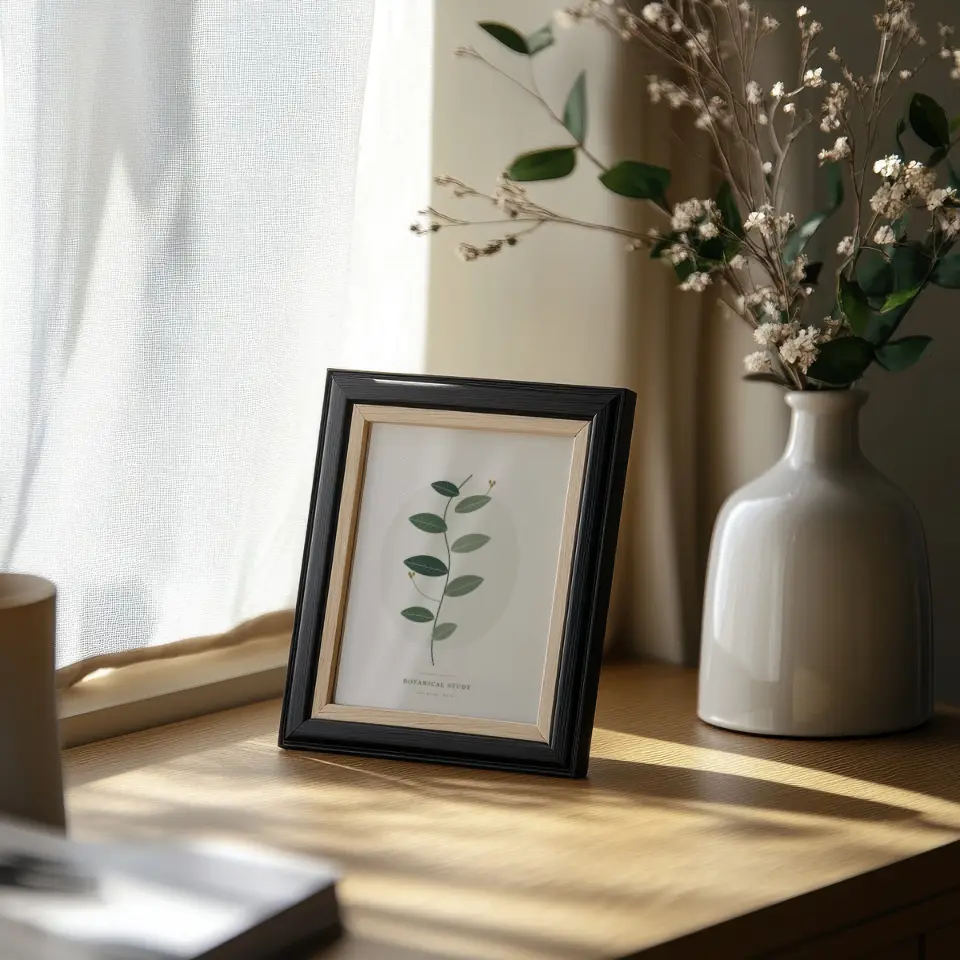
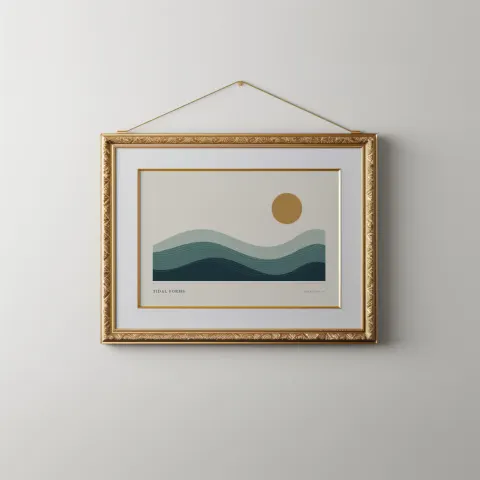
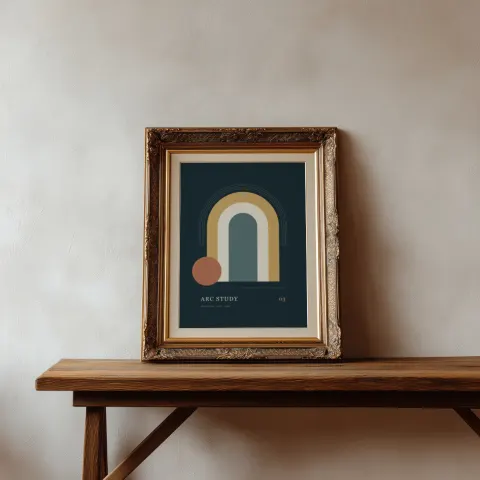
Sample scenes with artwork in place
Rendered with sample artwork by the same compositor that produces your download. Open a scene for its details or use it directly in the studio.
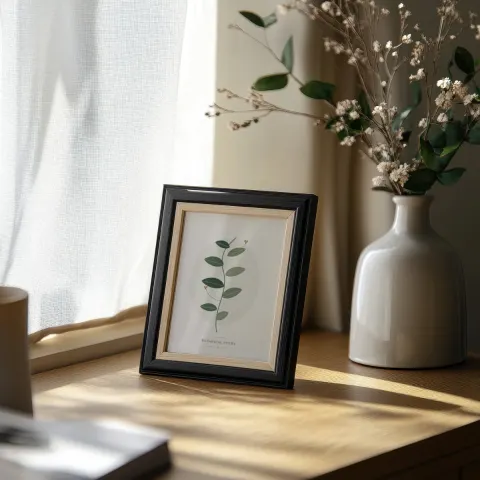
Black frame still life
Framed art, PortraitHanging Gold Landscape
Framed art, Landscape, 3:2Ornate shelf
Framed art, Portrait, 3:4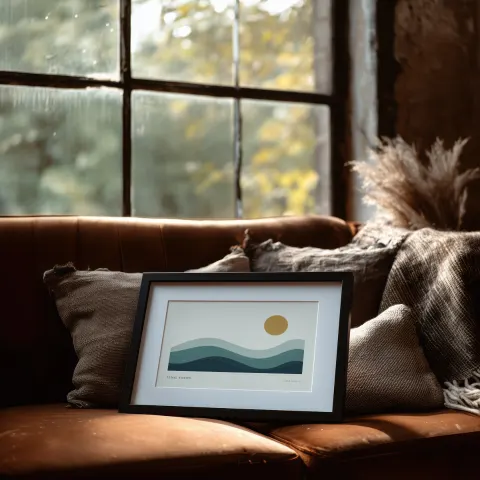
Loft Window & Leather
Framed art, Landscape, 3:2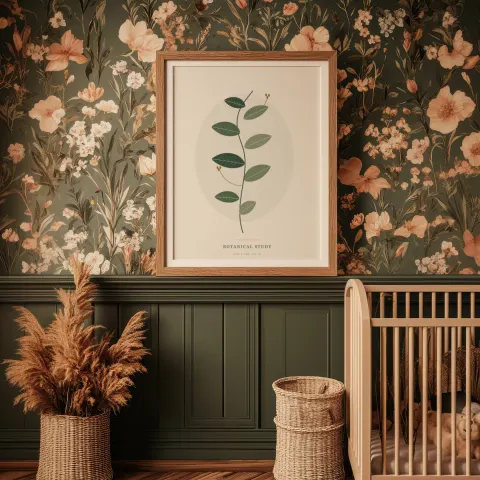
Botanical Nursery
Framed art, Portrait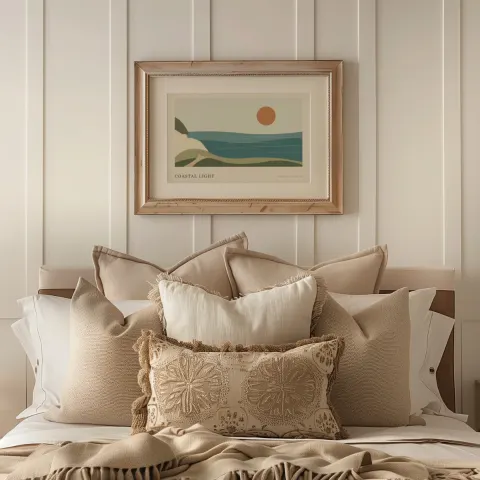
Warm Linen Bedroom
Framed art, Landscape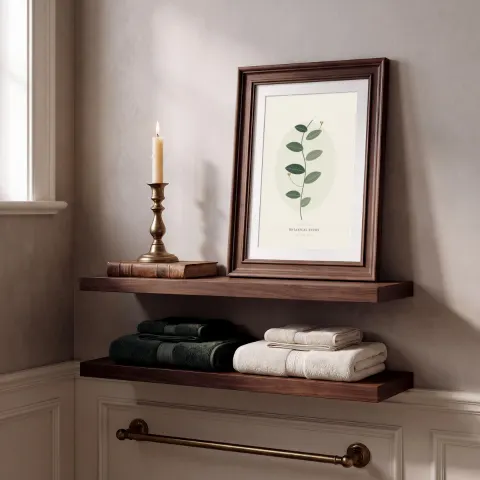
Bath Shelf with Mat
Framed art, Portrait, 2:3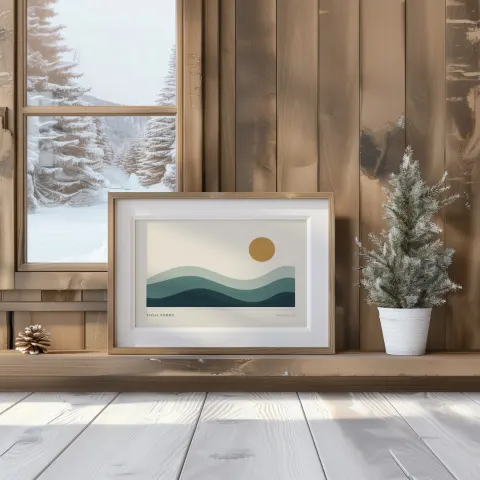
Snowy Cabin Shelf
Framed art, Landscape, 3:2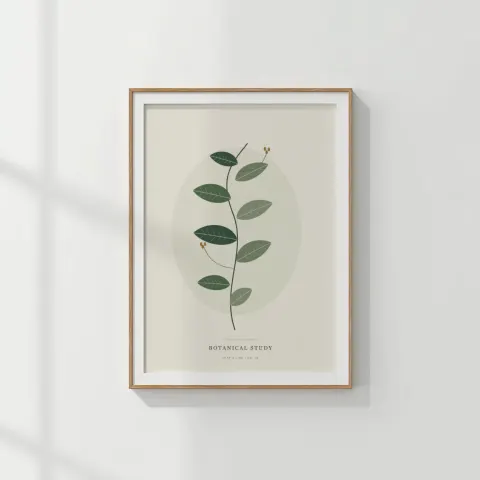
Quiet White Wall
Framed art, Portrait, 5:7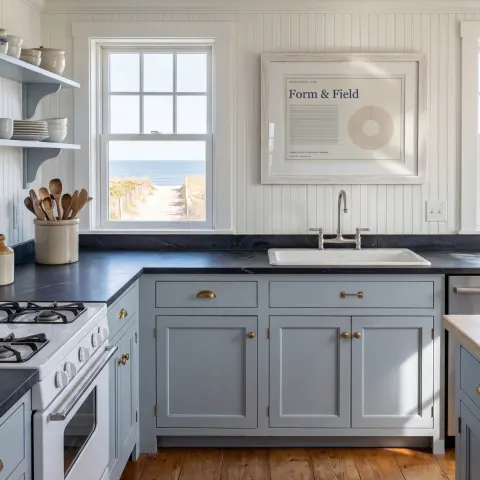
Coastal Kitchen with Mat
Framed art, Landscape, 4:3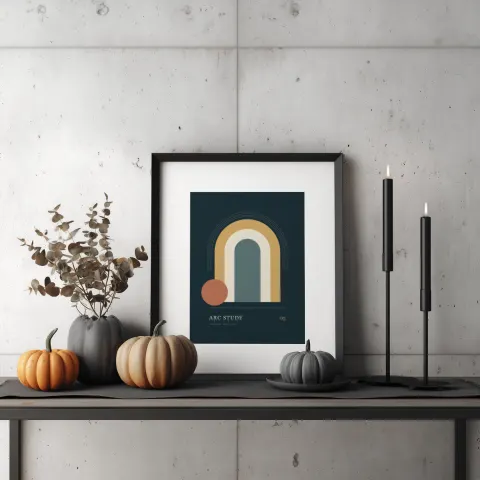
Autumn on Concrete
Framed art, Portrait, 3:4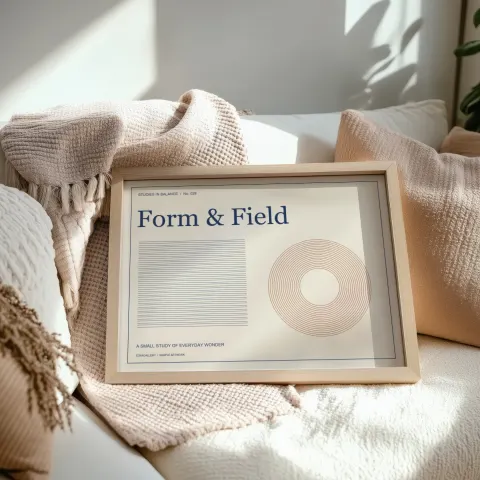
Blanket & Oak
Framed art, Landscape, 4:3
How to make an art print mockup in 3 steps
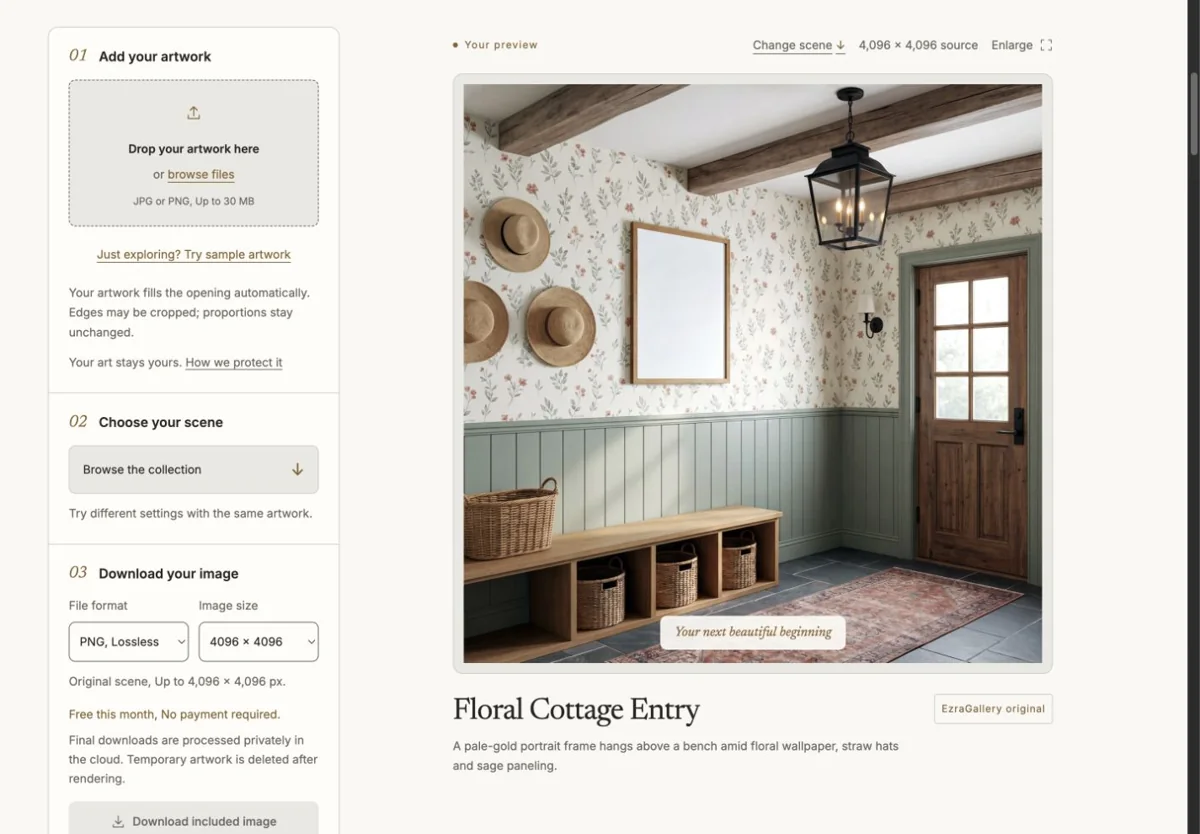
Upload your artworkDrop a JPG or PNG up to 30 MB. Studio reads its proportions and picks the matching orientation. 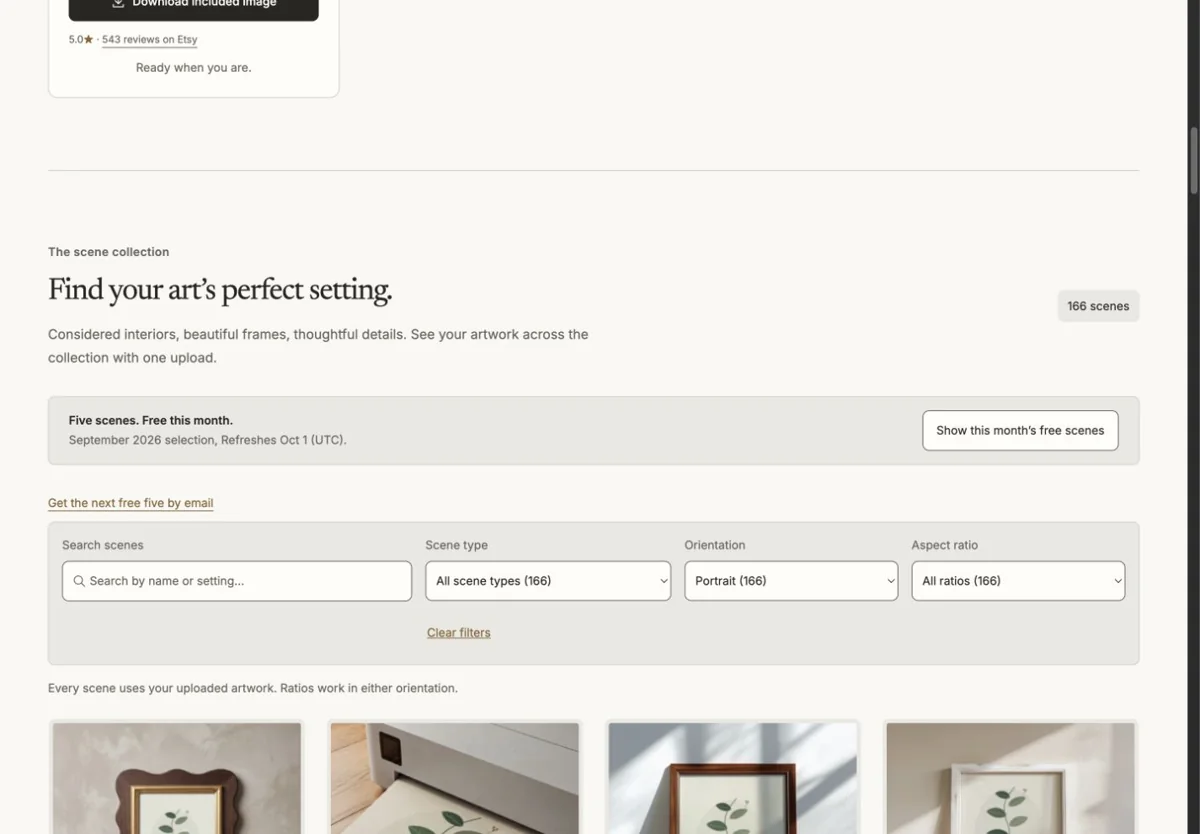
Choose a sceneSee your artwork across the collection. Narrow by style, frame finish, room, angle, and fit. 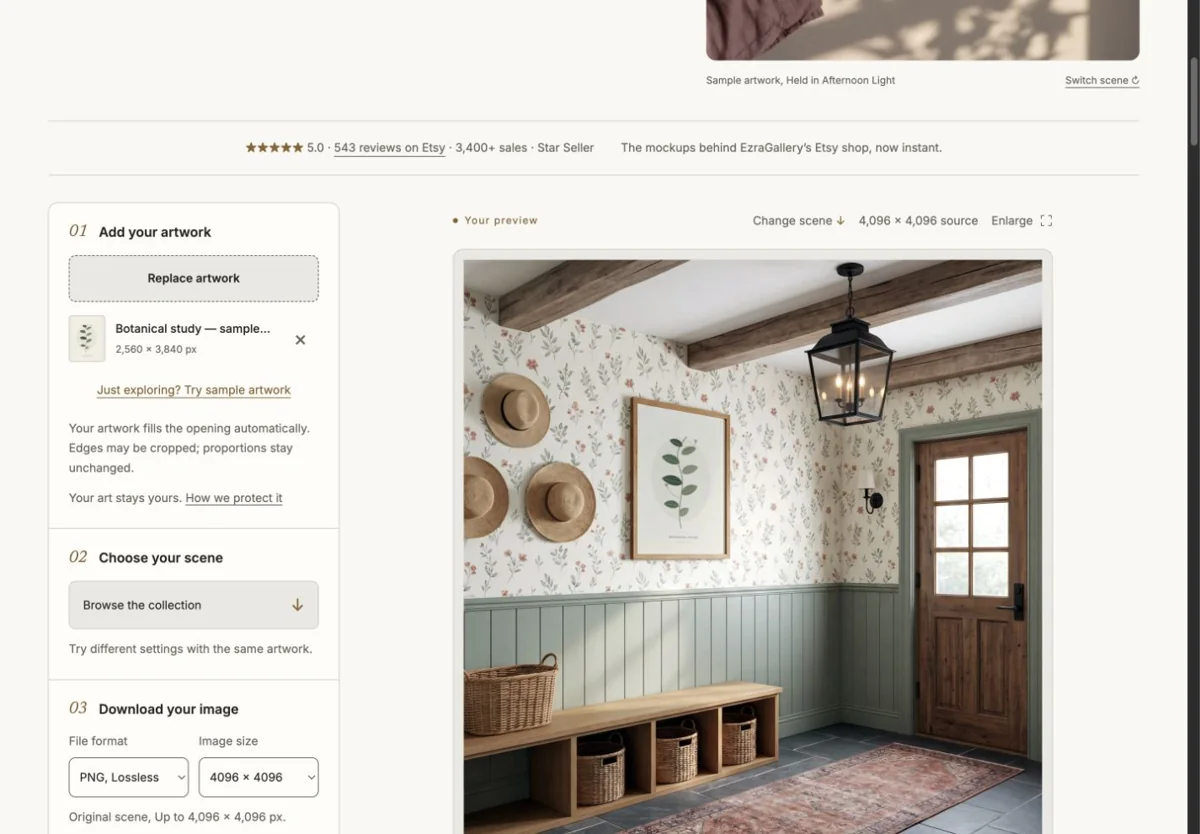
Download the finished imageChoose an export preset and check the Etsy crop guides. Download one finished image or build a listing set.
Why EzraGallery Studio
Your artwork in every scene
Upload once and browse with your piece already in place. Your artwork is placed, never AI-redrawn.
Find the look for your shop
Choose a style, frame finish, and room. Angle and fit filters help narrow the details.
One upload, a whole listing
Build a five-scene listing set, swap individual scenes, and save your choices for another print. Batch applies a scene or set to up to 25 artworks.
Choose an Etsy export preset
Check landscape and square search crop guides before downloading PNG or JPG images. Etsy may display other shapes.
Art print mockup generator questions
What is the difference between a matted and a full-frame scene?
A matted scene shows a white or cream border between the frame and your print, the way a framed giclée is usually sold. A full-frame scene fills the whole opening with your artwork. Six scenes offer both versions from the same design.
Can I show the print's white border?
Yes. Include the border in the file you upload and choose a loose-paper scene. The border becomes part of the print exactly as you supplied it.
Which print ratios are available?
Openings come in 2:3, 3:4, 4:5, 5:7 and native ratios in both orientations. Studio selects your artwork's orientation automatically and the ratio filter narrows the collection to the closest match.
Is this suitable for Etsy print listings?
Yes. Pair a matted interior with a close-up, then choose an Etsy landscape or square preset for each image. Check the search crop guides before downloading your PNG or JPG; Etsy may show other shapes. Native output reaches up to 4096 px on supported scenes.
How much does an art print mockup cost?
Five scenes are free each month with no account. Any other scene is $2 for one finished image, or unlimited with a $10 monthly membership.